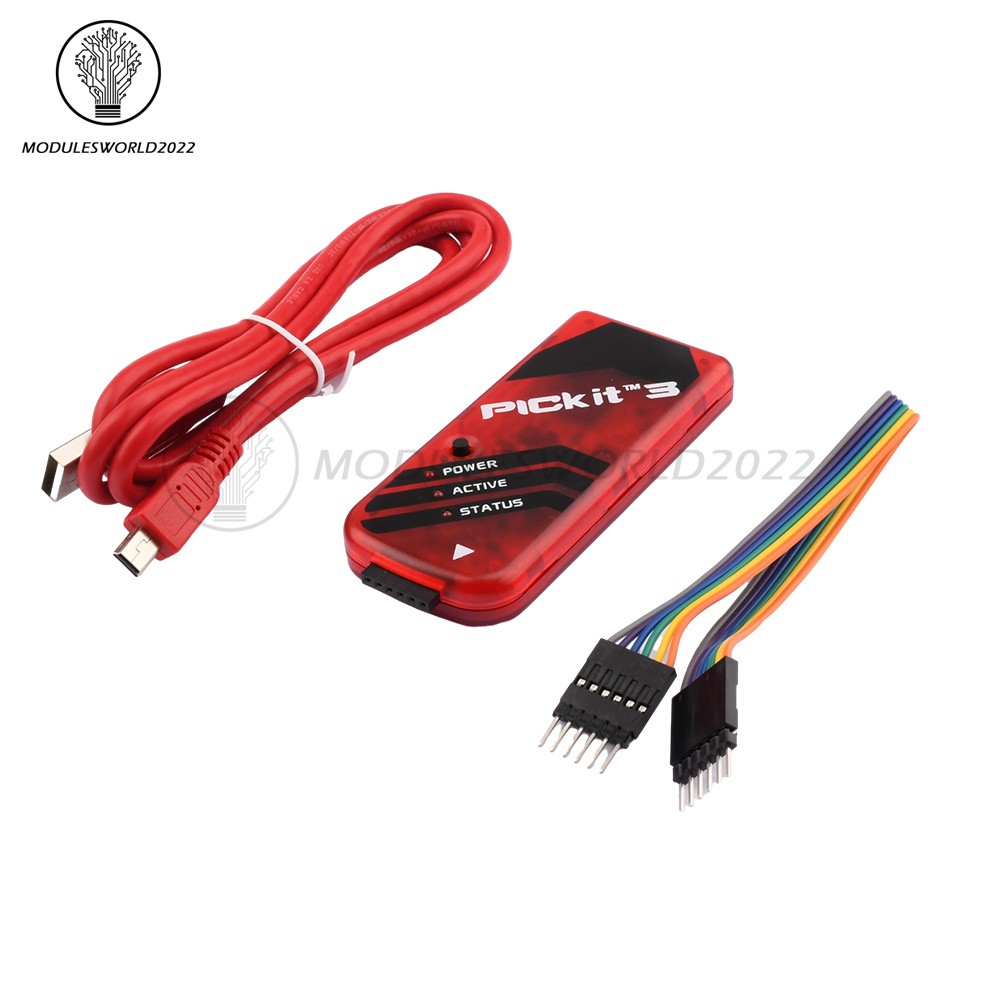
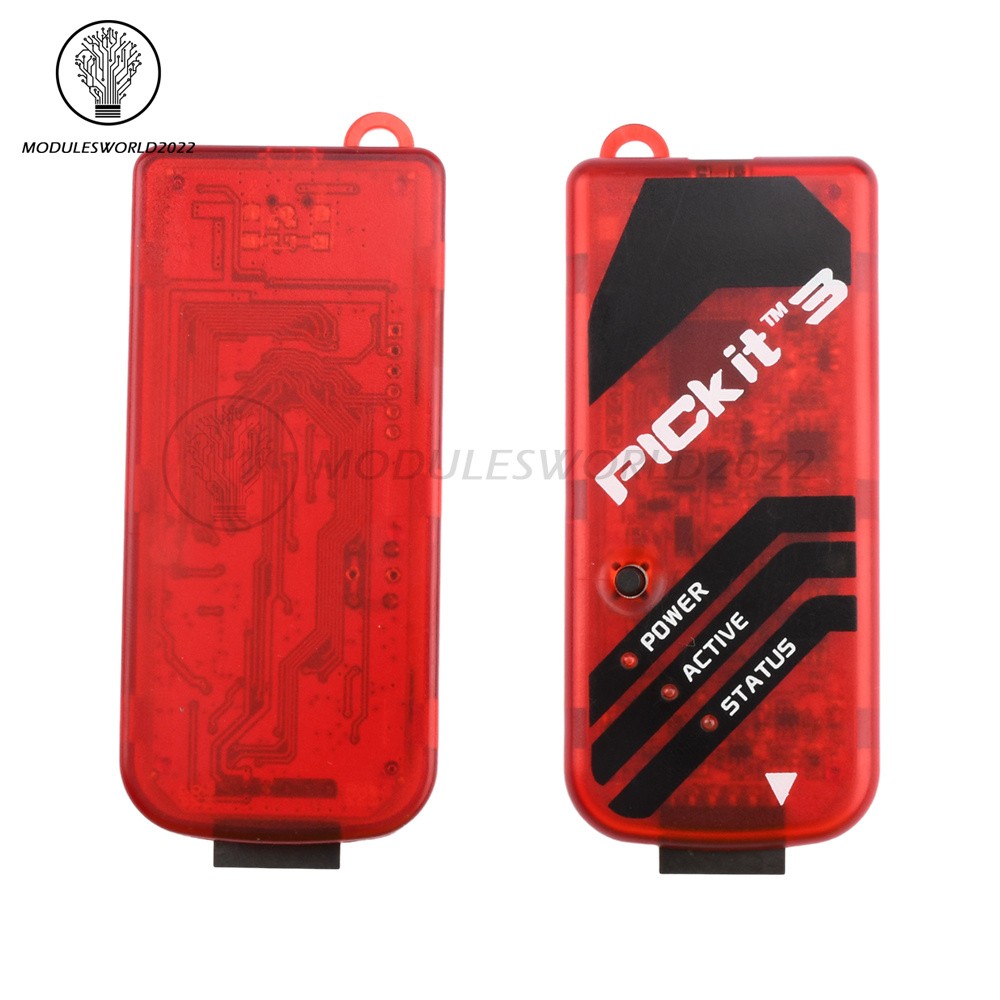
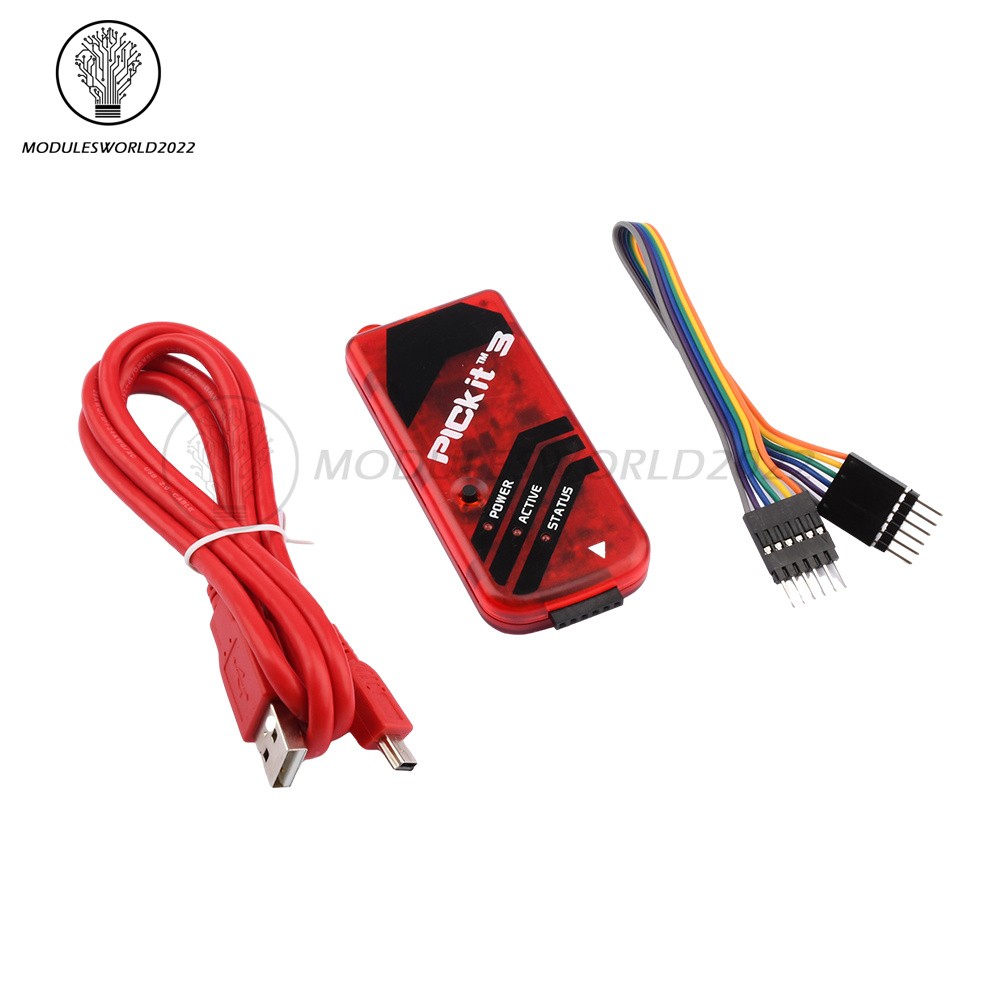
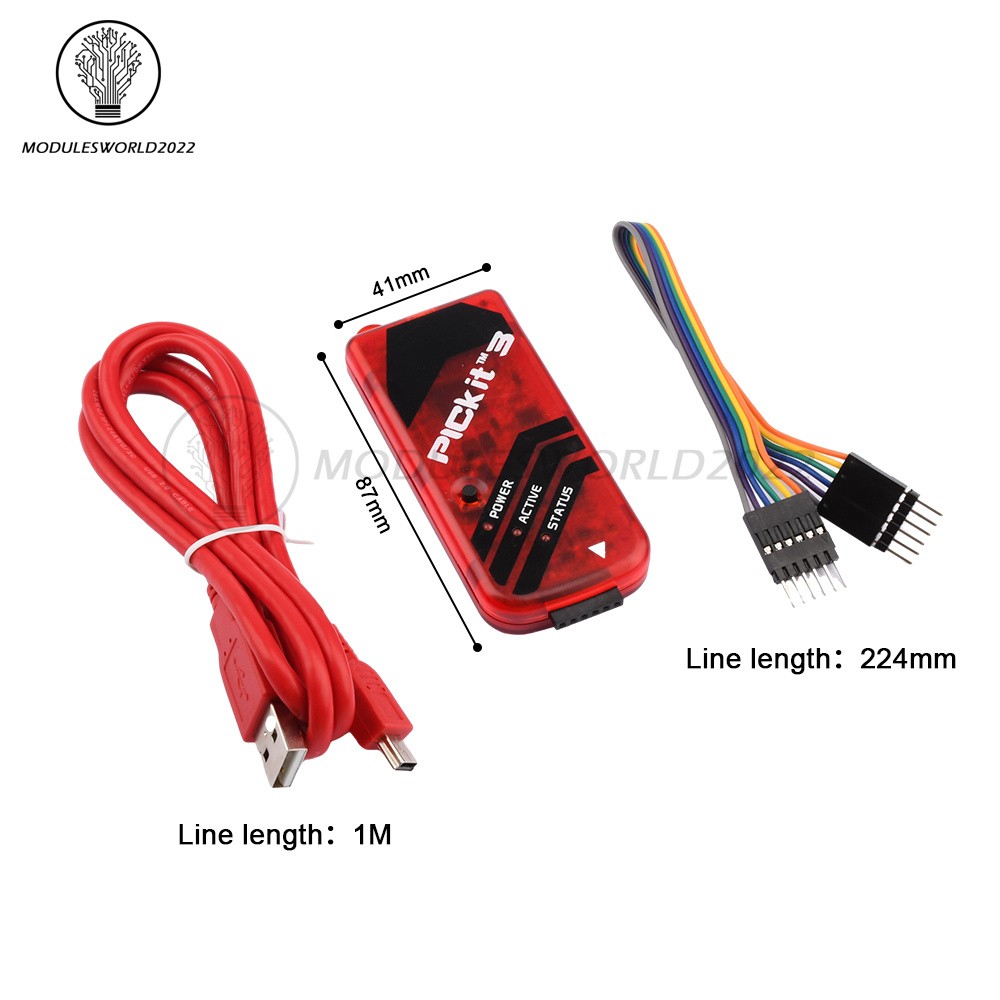
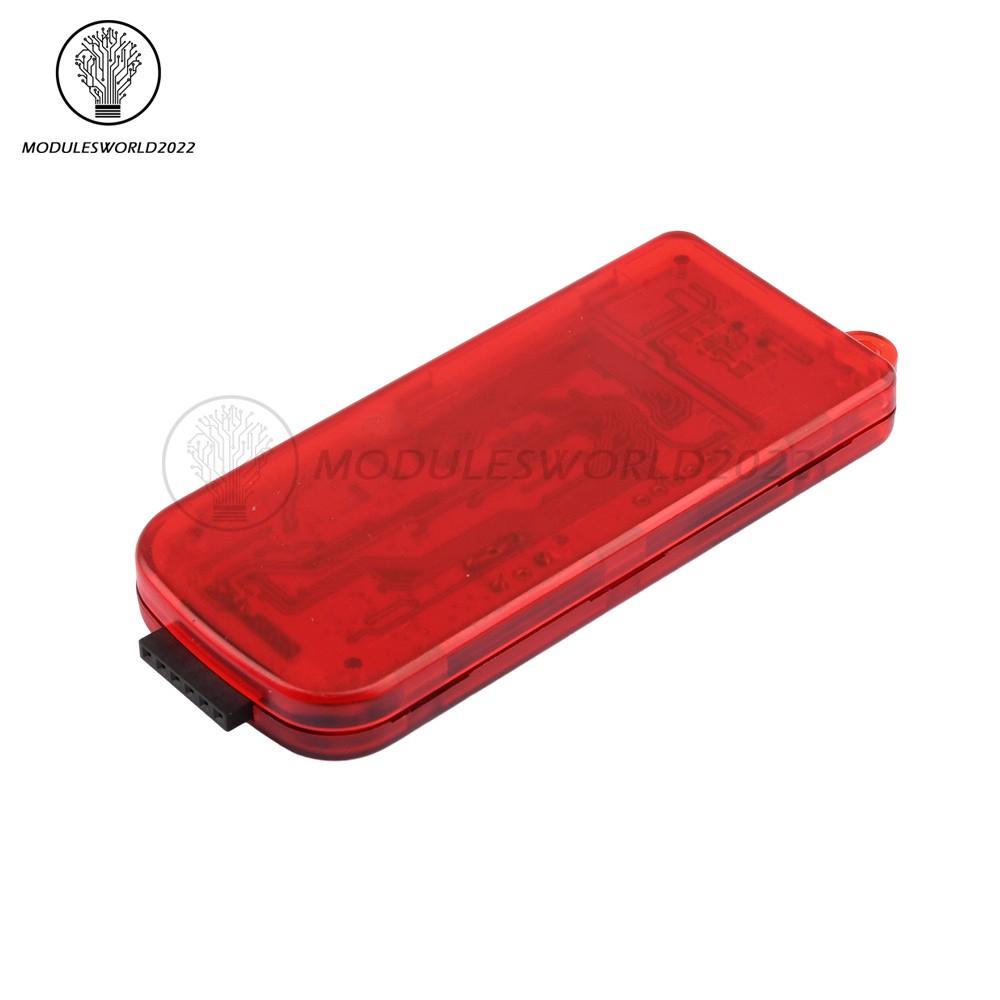
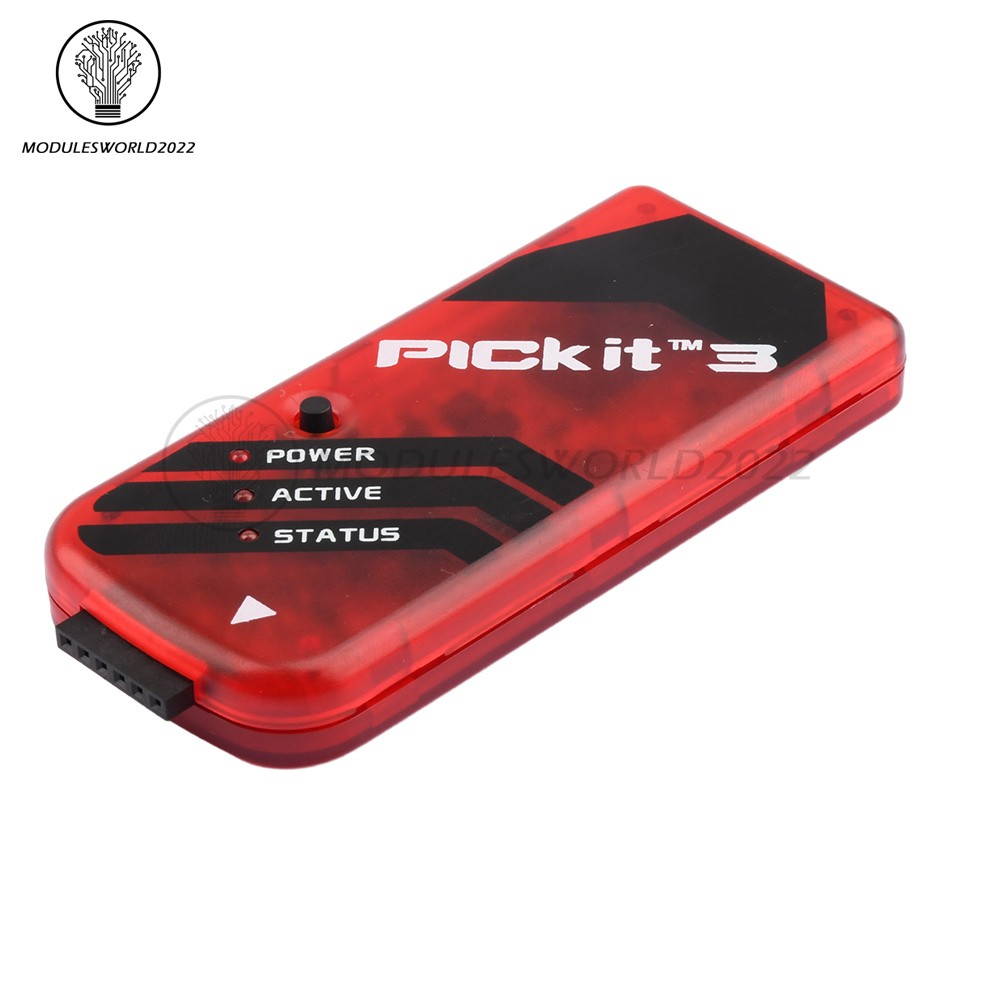
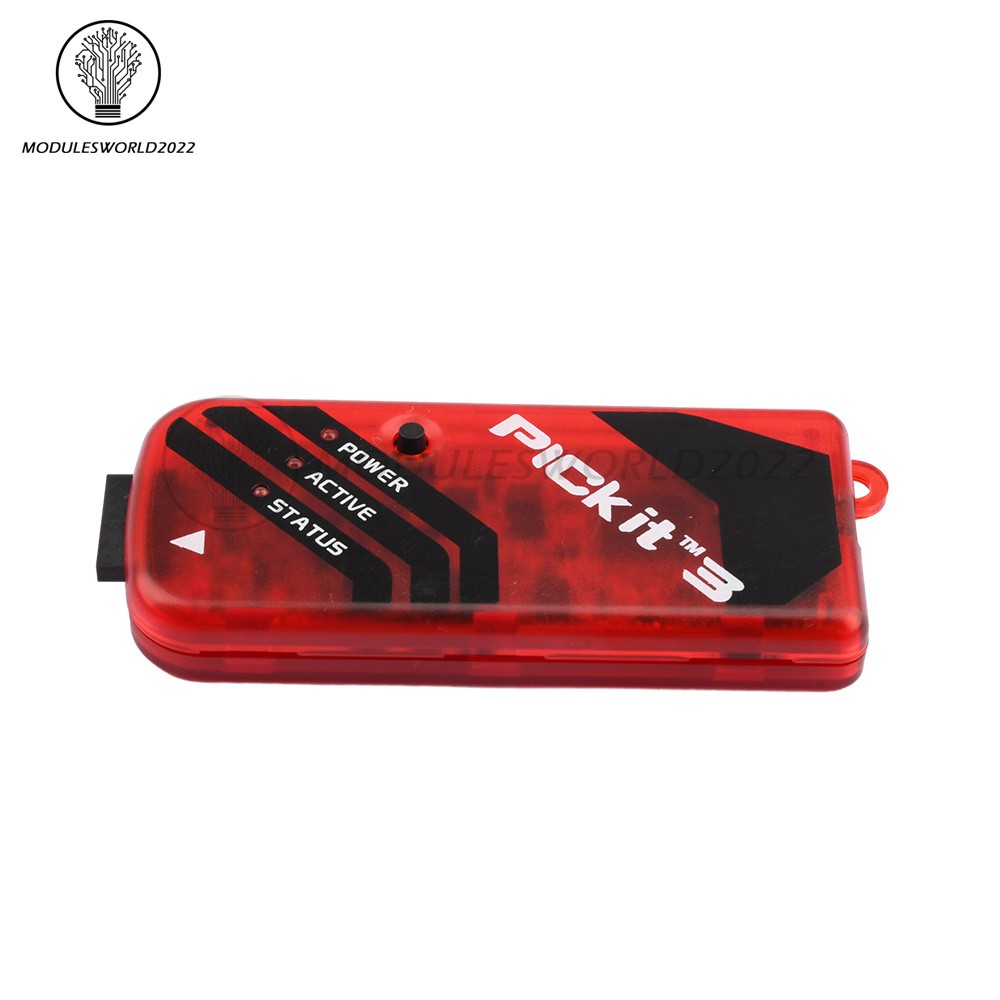
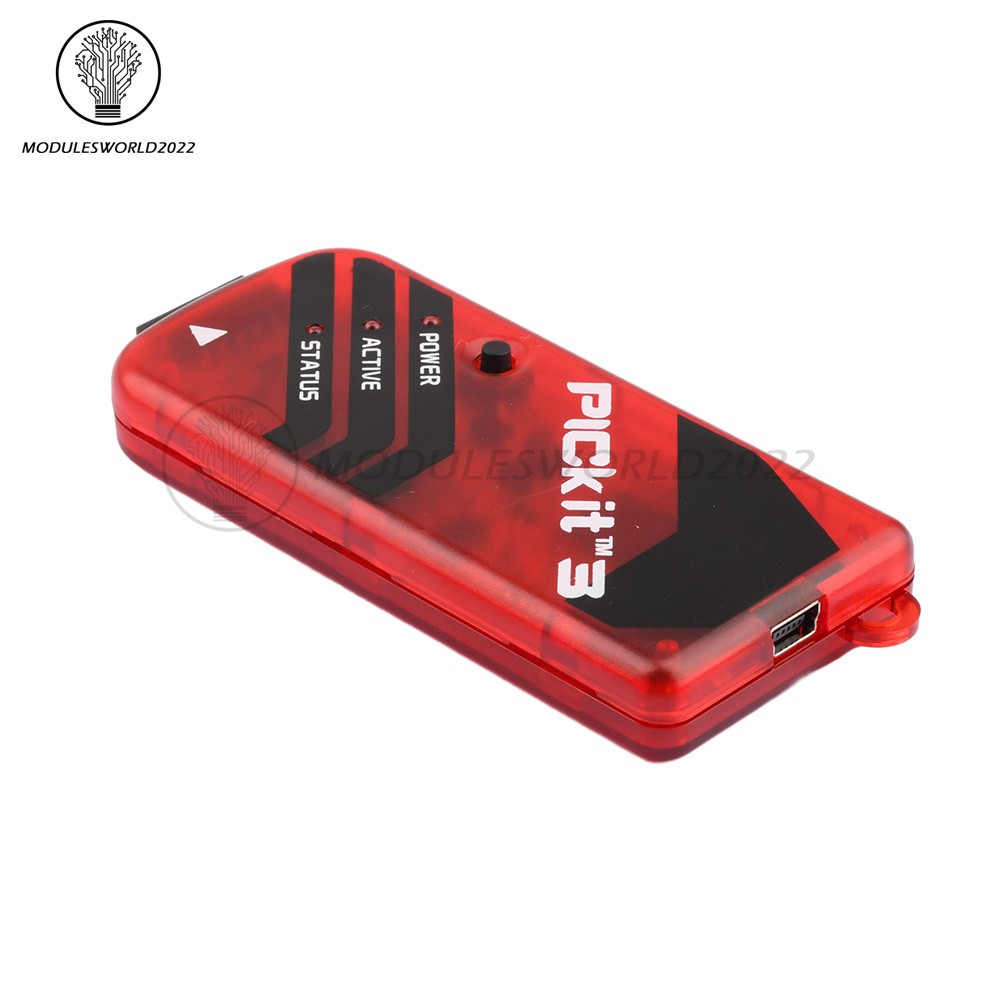
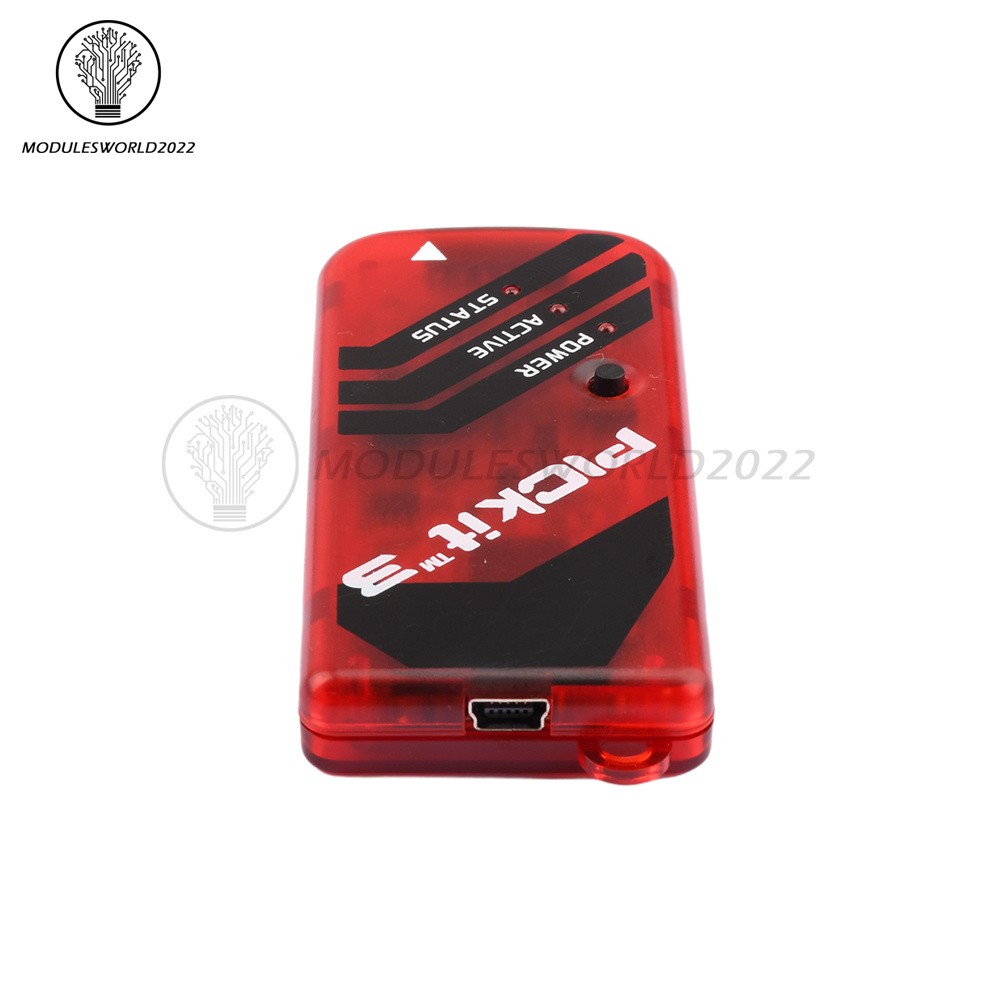
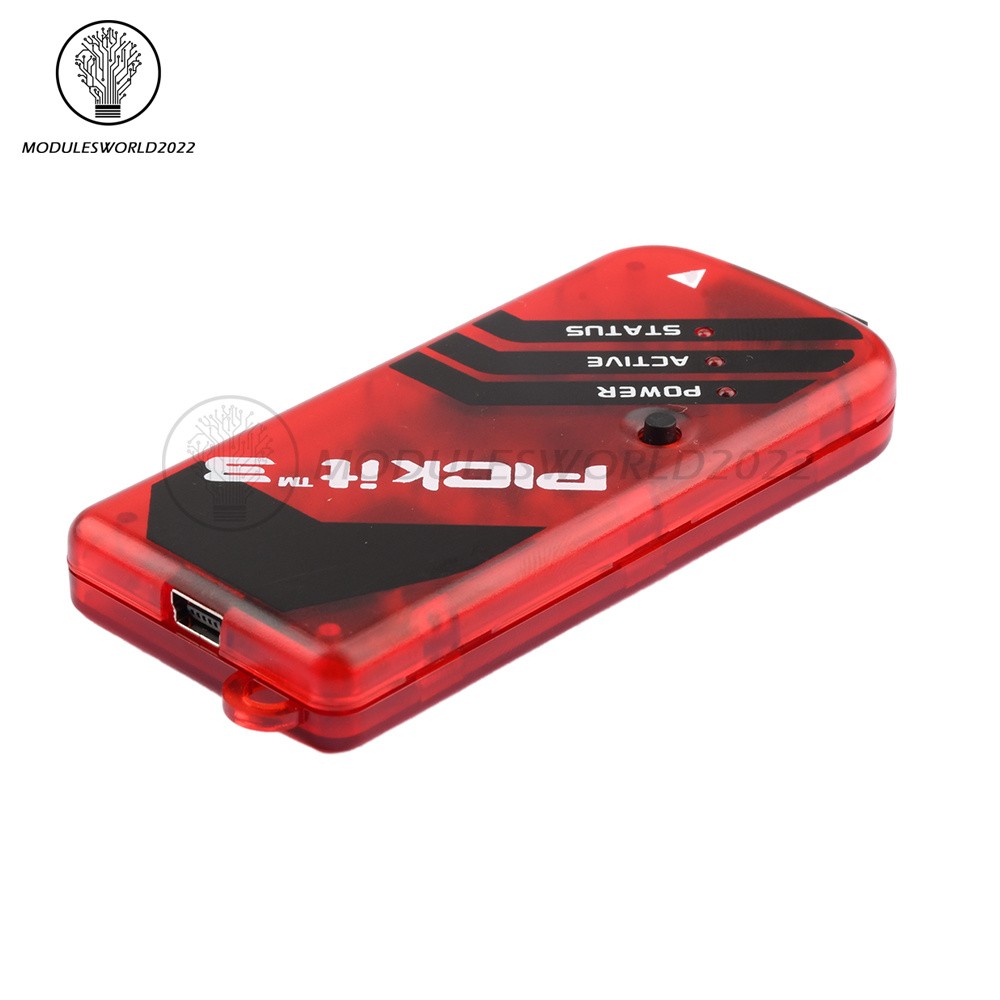
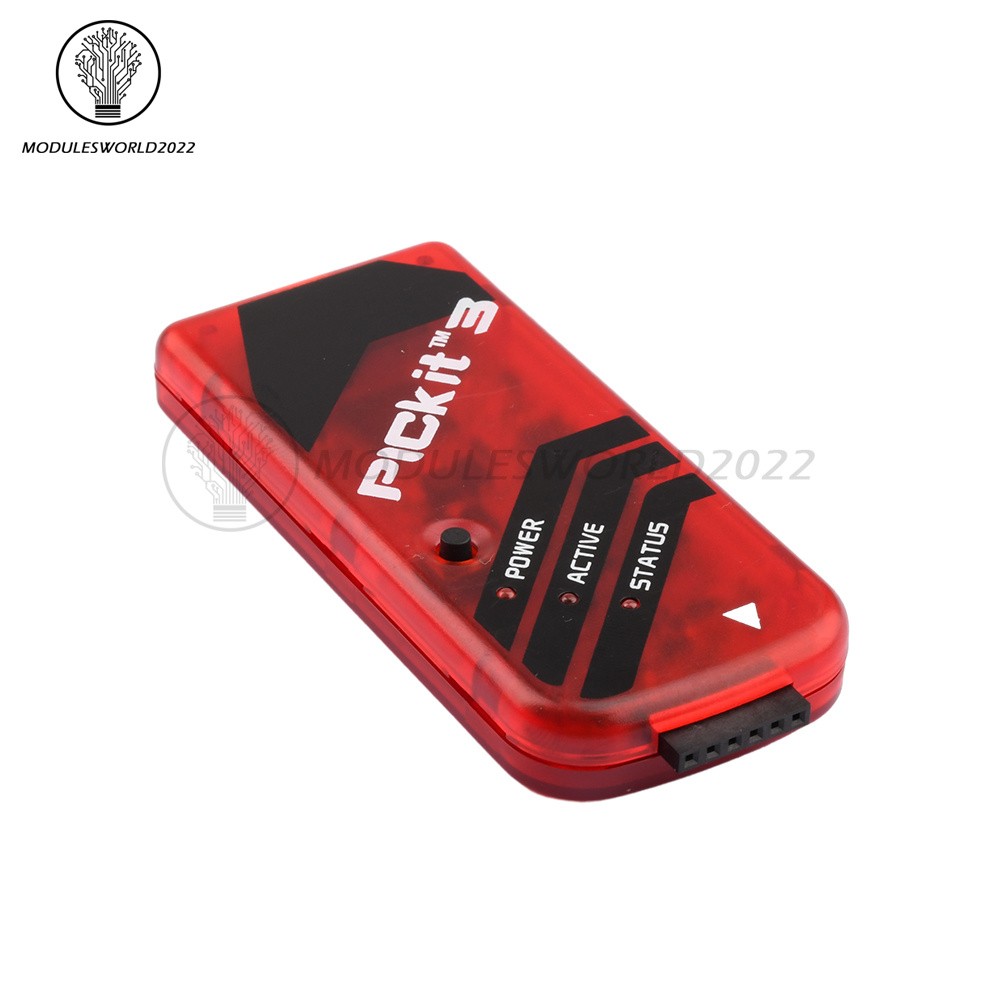
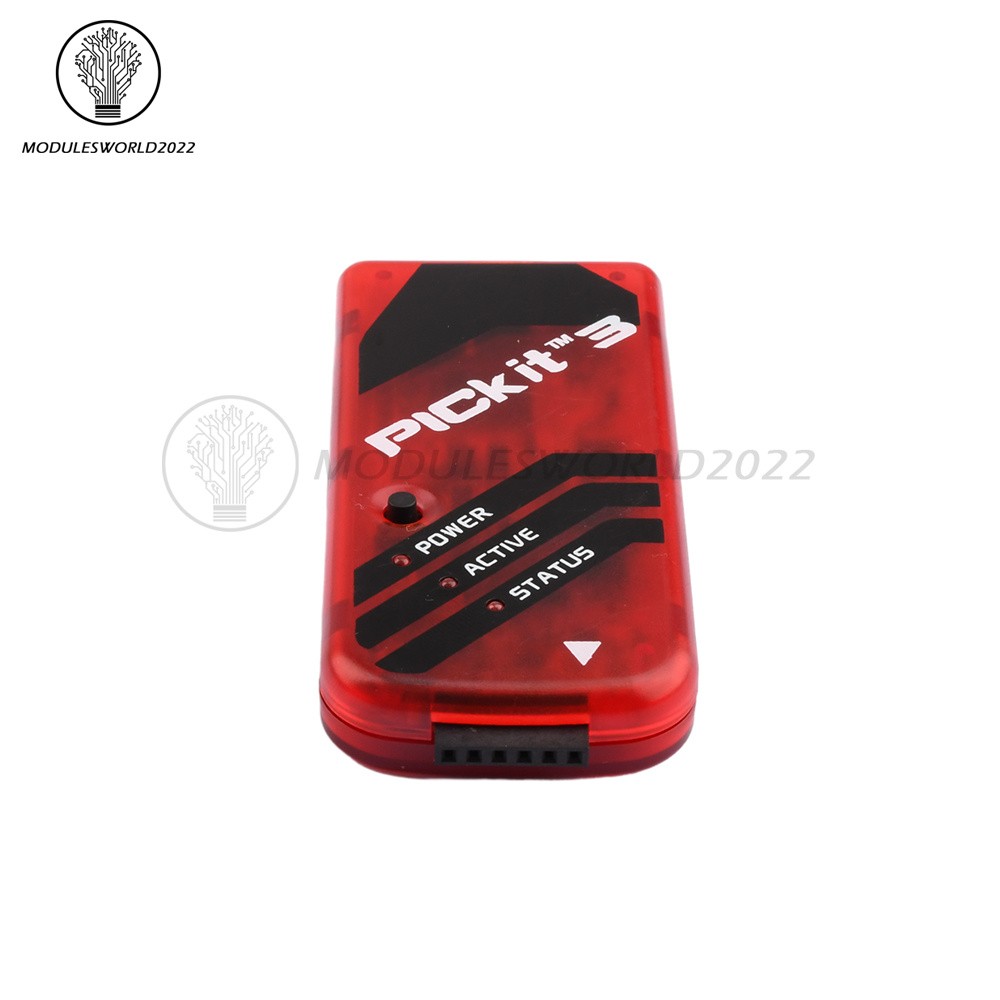
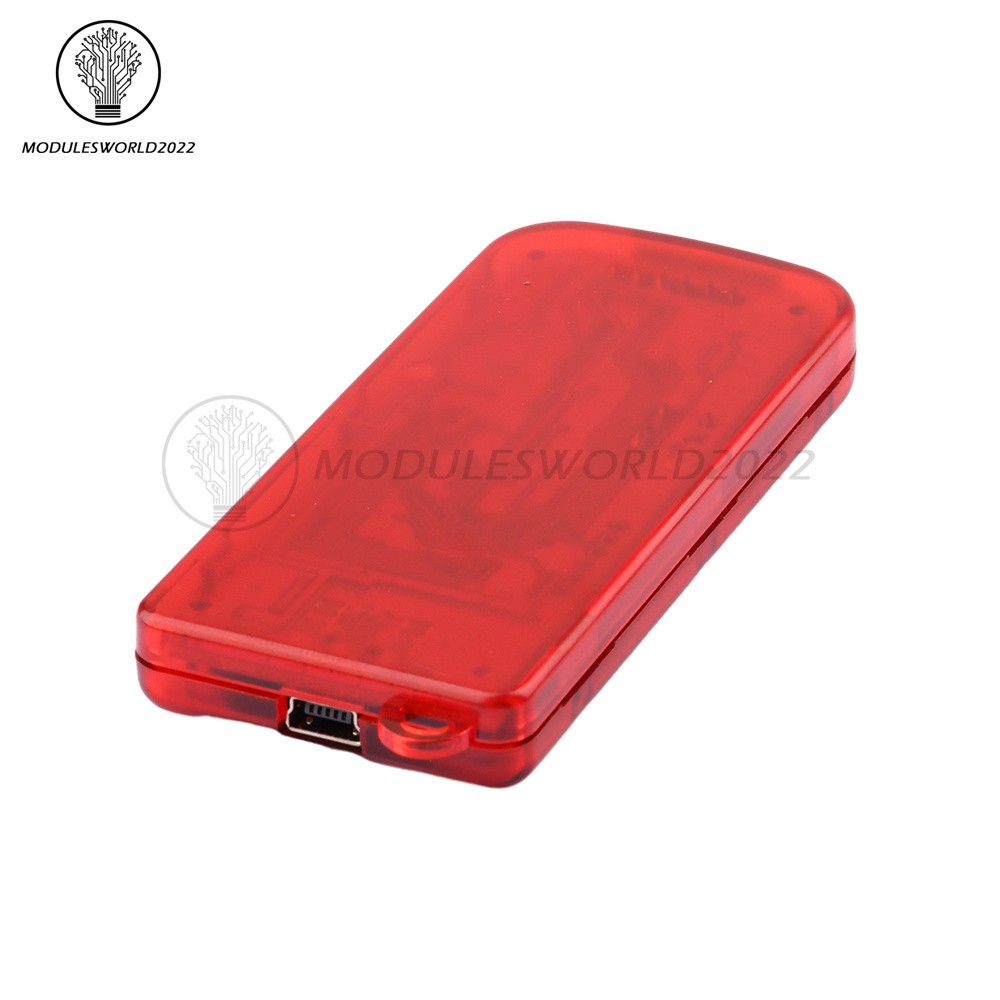
1-10pcs PICKit3 Debugger Programmer Emulator PIC Controller Development Board
$ 8.87
Description
1-10pcs PICKit3 Debugger Programmer Emulator PIC Controller Development Board. CAUTION: Do not change hardware connections while the PICkit3 or target is powered. Connecting the PICkit3 to the target board through standard ICSP interface using 6-pin connector. PICkit3 Status LEDs. Store CategoriesStore Categories Other Product View Details Features: Full-speed USB support using Windows standard drivers Real-time execution Processors run at maximum speeds MPLAB IDE compatible (free copy included) Built-in over-voltage/short circuit monitor Firmware upgradeable from PC/web download Totally enclosed Supports low voltage to 5 volts (1.8v to 5.0v range) Diagnostic LEDs (power, active, status) Read/write program and data memory of microcontroller Erase of all memory types (EEPROM, ID, configuration and program) with verification Freeze-peripherals at breakpoint Program up to 512K byte flash with the Programmer-to-Go Basic Debugger System: The debugger system can be configured to use standard ICSP communication for both programming and debugging functions. CAUTION: Do not change hardware connections while the PICkit3 or target is powered. Supported Devices: Refer to MPLAB IDE v8.76, the following devices are supported: PIC10F PIC12F PIC16F PIC18F PIC24F dsPIC30 dsPIC39 dsPIC33 dsPIC32 11 Series Serial EEPROM Devices 11LC/AA010,11LC/AA020,11LC/AA040,11LC/AA080,11LC/AA160 24 Series Serial EEPROM Devices 24LC/AA/C00,24LC/AA01B, 02B, 04B, 08B,24LC/AA16B, 32A,24LC/AA/FC64, 128, 256, 512,24LC/AA/FC1025 25 Series Serial EEPROM Devices 25LC/AA010A, 020A, 040A,25LC/AA080A, 080B, 160A, 160B,25LC/AA320A, 640A,25LC/AA128, 256, 512, 1024 93 Series Serial EEPROM Devices 25LC/AA/C46A, 46B, 46C,25LC/AA/C56A, 56B, 56C,25LC/AA/C66A, 66B, 66C,25LC/AA/C47A, 76B, 76C,25LC/AA/C48A, 86B, 86C MCP250xx CAN Devices MCP25020, 25025,MCP25050, 25055 Debugger To Target Communication: Connecting the PICkit3 to the target board through standard ICSP interface using 6-pin connector. The programmer connector pinout is shown in the figure below: PICkit3 Status LEDs: The Status LEDs indicate the status of the PICkit3. Power (green) – Power is supplied to the PICkit3 via the USB port. Active (blue) – The PICkit3 has connection to the PC USB port and the communication link is active. Status: Busy (yellow) – The PICkit3 is busy with a function in progress, such as programming. Error (red) – The PICkit3 has encountered an error. Package Included: 1-10 x PICKit3 PIC KIT3 Debugger Programmer Emulator PIC Controller Development Board Shipping Policy Payment Method Returns Policy Shipping Policy Payment Method Returns Policy Home Payment Shipping About us Contact us Copyright©2018 datacaciques Home Payment Shipping About us Contact us Store CategoriesStore Categories Other Product View Details Features: Full-speed USB support using Windows standard drivers Real-time execution Processors run at maximum speeds MPLAB IDE compatible (free copy included) Built-in over-voltage/short circuit monitor Firmware upgradeable from PC/web download Totally enclosed Supports low voltage to 5 volts (1.8v to 5.0v range) Diagnostic LEDs (power, active, status) Read/write program and data memory of microcontroller Erase of all memory types (EEPROM, ID, configuration and program) with verification Freeze-peripherals at breakpoint Program up to 512K byte flash with the Programmer-to-Go Basic Debugger System: The debugger system can be configured to use standard ICSP communication for both programming and debugging functions. CAUTION: Do not change hardware connections while the PICkit3 or target is powered. Supported Devices: Refer to MPLAB IDE v8.76, the following devices are supported: PIC10F PIC12F PIC16F PIC18F PIC24F dsPIC30 dsPIC39 dsPIC33 dsPIC32 11 Series Serial EEPROM Devices 11LC/AA010,11LC/AA020,11LC/AA040,11LC/AA080,11LC/AA160 24 Series Serial EEPROM Devices 24LC/AA/C00,24LC/AA01B, 02B, 04B, 08B,24LC/AA16B, 32A,24LC/AA/FC64, 128, 256, 512,24LC/AA/FC1025 25 Series Serial EEPROM Devices 25LC/AA010A, 020A, 040A,25LC/AA080A, 080B, 160A, 160B,25LC/AA320A, 640A,25LC/AA128, 256, 512, 1024 93 Series Serial EEPROM Devices 25LC/AA/C46A, 46B, 46C,25LC/AA/C56A, 56B, 56C,25LC/AA/C66A, 66B, 66C,25LC/AA/C47A, 76B, 76C,25LC/AA/C48A, 86B, 86C MCP250xx CAN Devices MCP25020, 25025,MCP25050, 25055 Debugger To Target Communication: Connecting the PICkit3 to the target board through standard ICSP interface using 6-pin connector. The programmer connector pinout is shown in the figure below: PICkit3 Status LEDs: The Status LEDs indicate the status of the PICkit3. Power (green) – Power is supplied to the PICkit3 via the USB port. Active (blue) – The PICkit3 has connection to the PC USB port and the communication link is active. Status: Busy (yellow) – The PICkit3 is busy with a function in progress, such as programming. Error (red) – The PICkit3 has encountered an error. Package Included: 1-10 x PICKit3 PIC KIT3 Debugger Programmer Emulator PIC Controller Development Board Shipping Policy Payment Method Returns Policy Shipping Policy We will arrange shipping for you within 24 Hours after payment cleared except the holidays. -We ship items to Worldwide. Thank you! -we will ship out the order in 1-2 business days after payment cleared .Since it is international shipping ,delivery time is about 15--28 business days to arrive to most countries. Payment Method We accept PayPal payment ONLY, and must be received within 5 days from the date of purchase. 2. It is easy and safe for you to pay by credit cards, debit cards, bank transfers and PayPal account balances. 3.Buyers are responsible for import duties,custom fees and taxes, if any, please check your country. Returns Policy 1.We believe our items are so outstanding. We are convinced you will be happy with your Purchase. 2. If you do not satisfy with our items. Please simply return to us within 30 Days in original condition. Just pay for the returned postage. Then we can issue full refund or resend the item to you after the returned item arrived at our warehouse. 3. Please include your eBay ID and item number with any email requests.