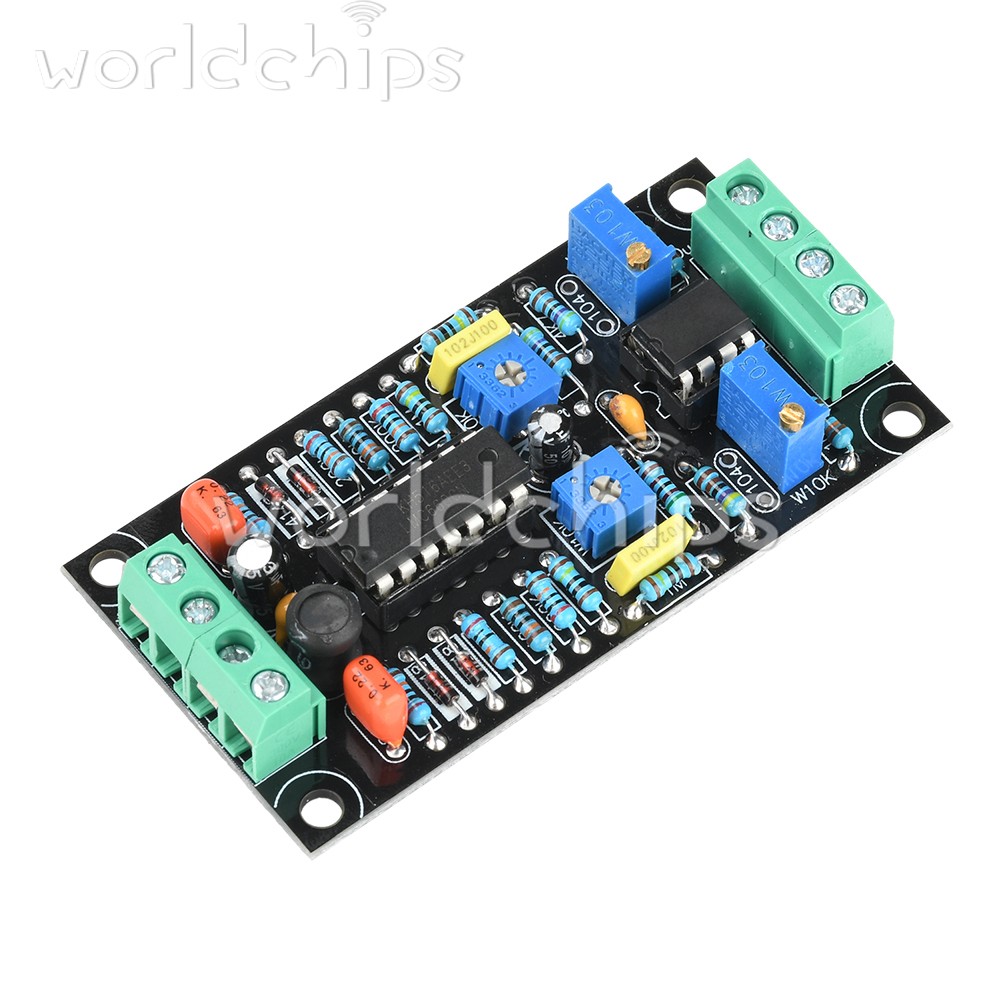
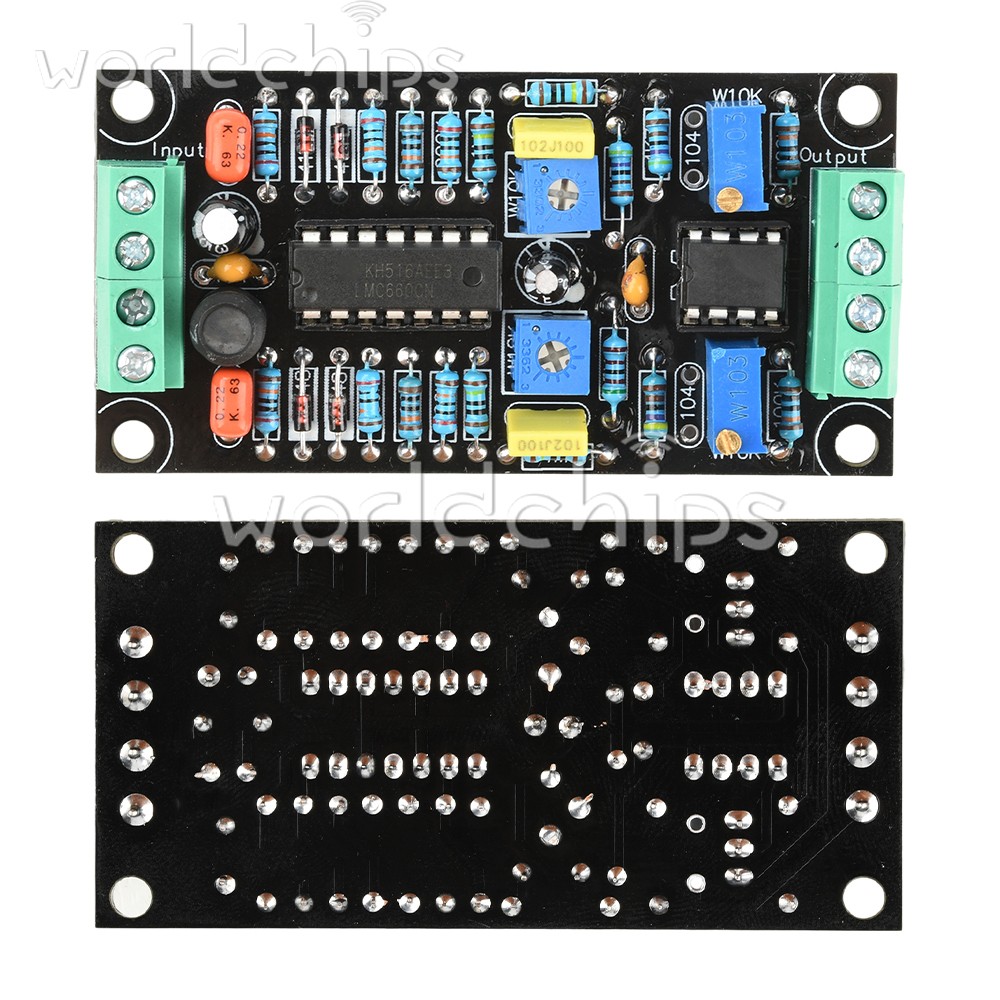
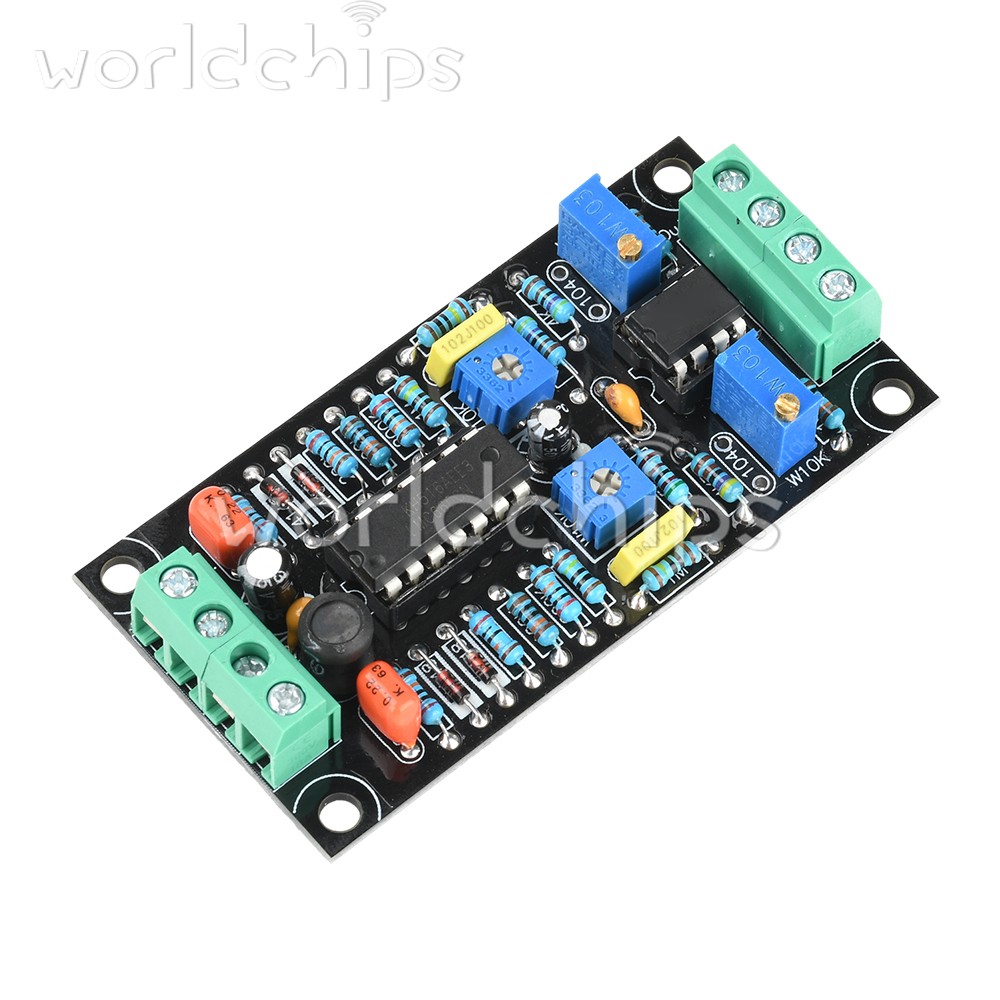
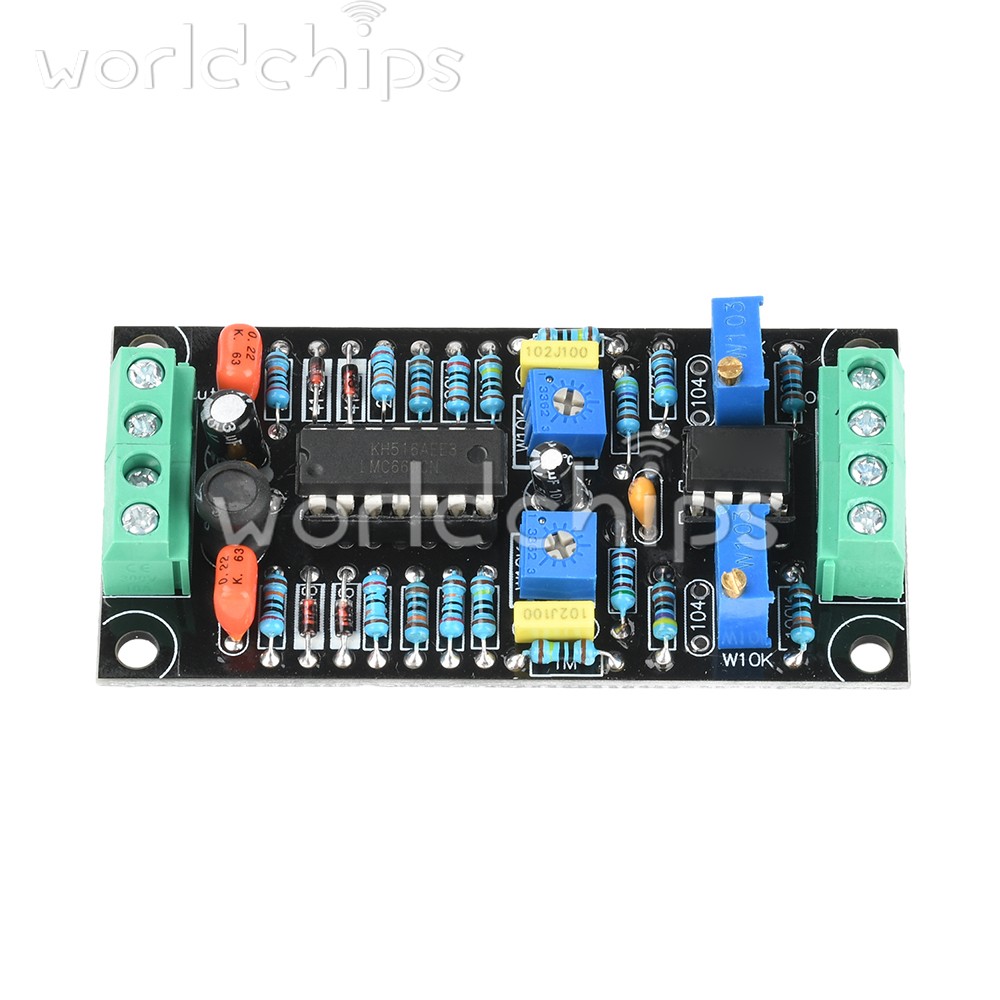
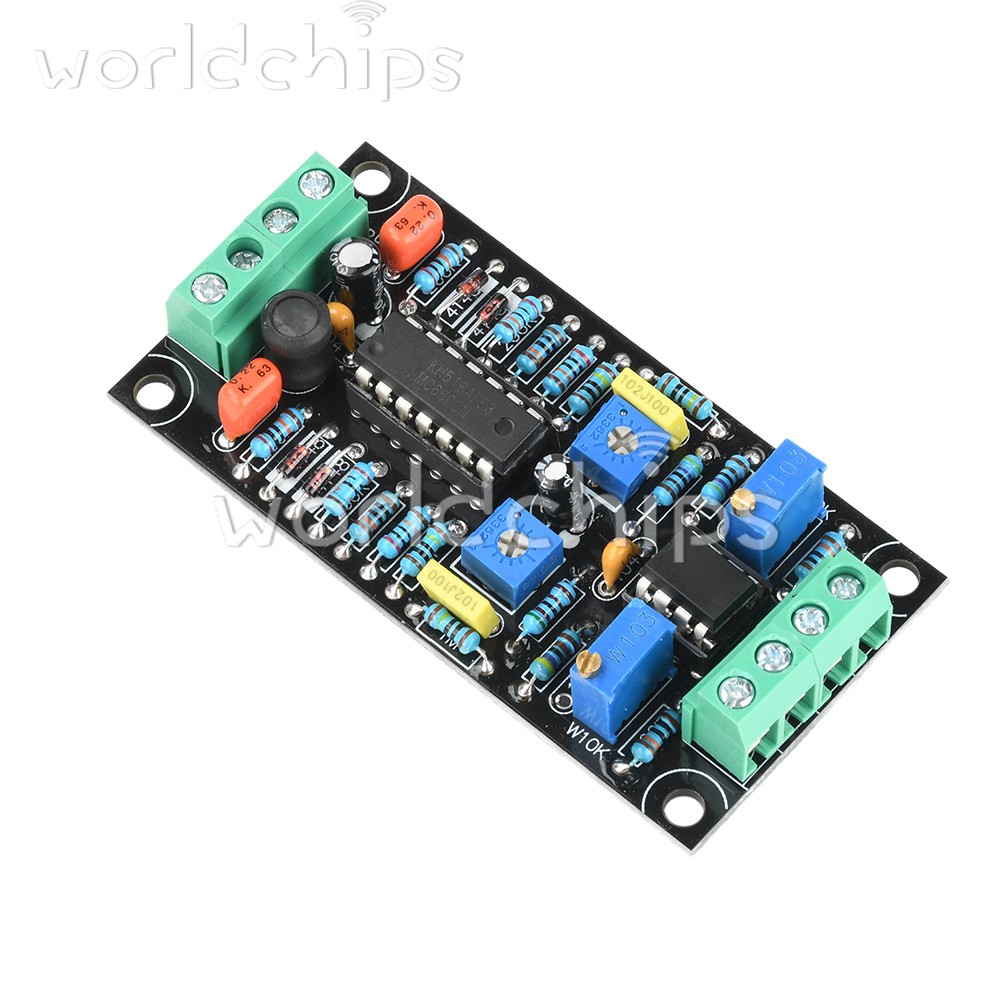
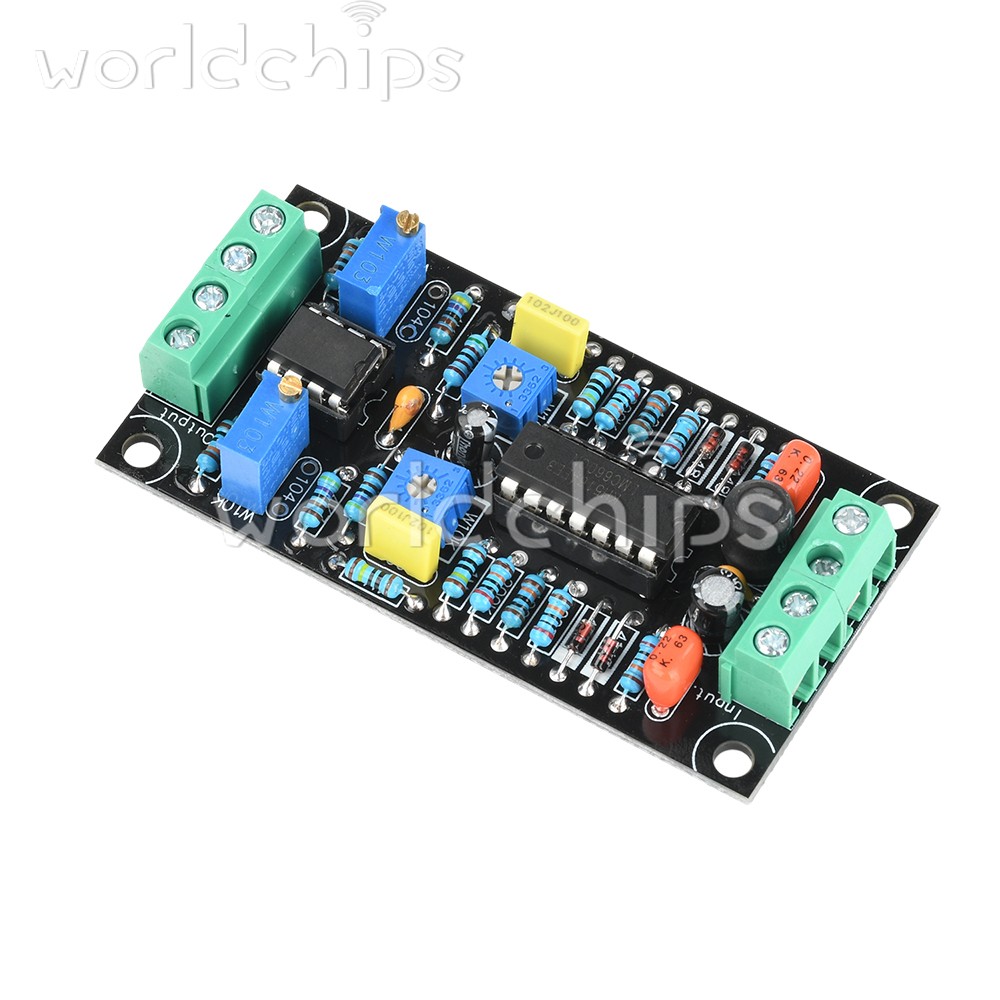
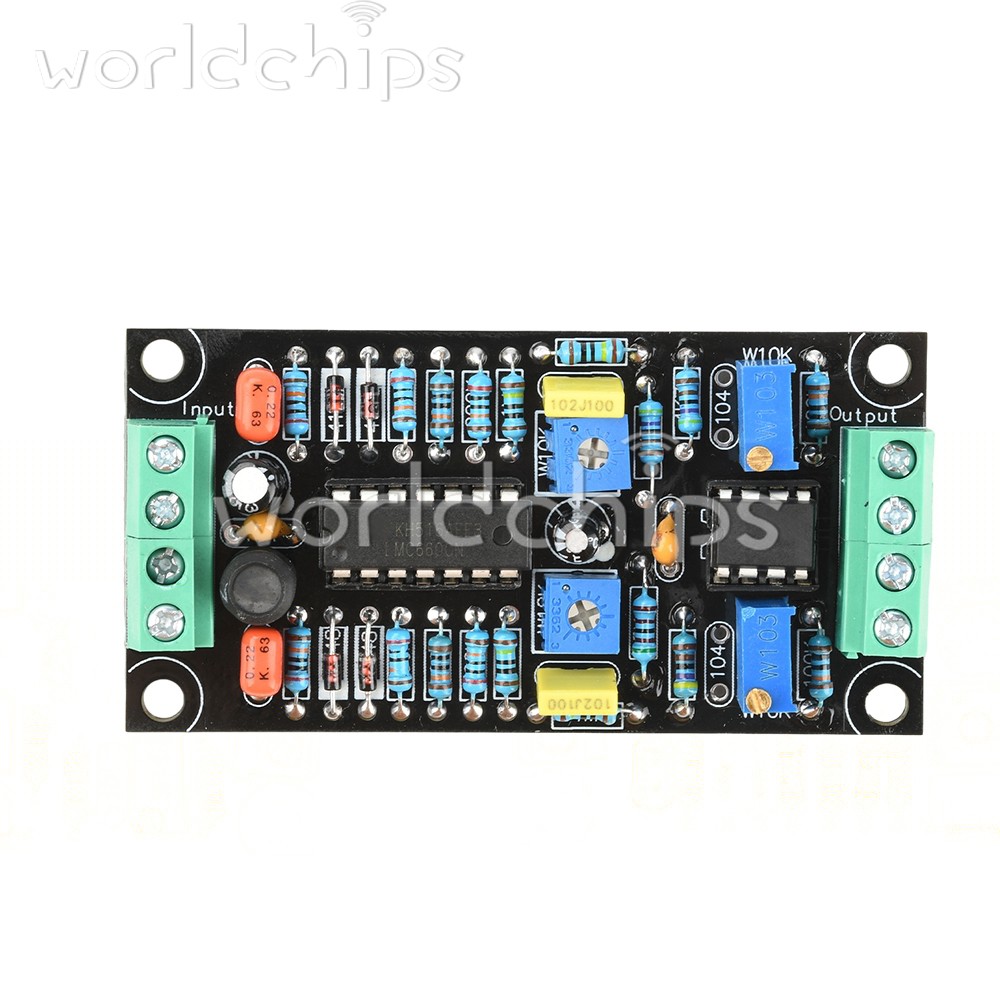
DC 7-15V Single power VU Meter Level Meter Driver Board Level indicator LMC660
$ 5.42
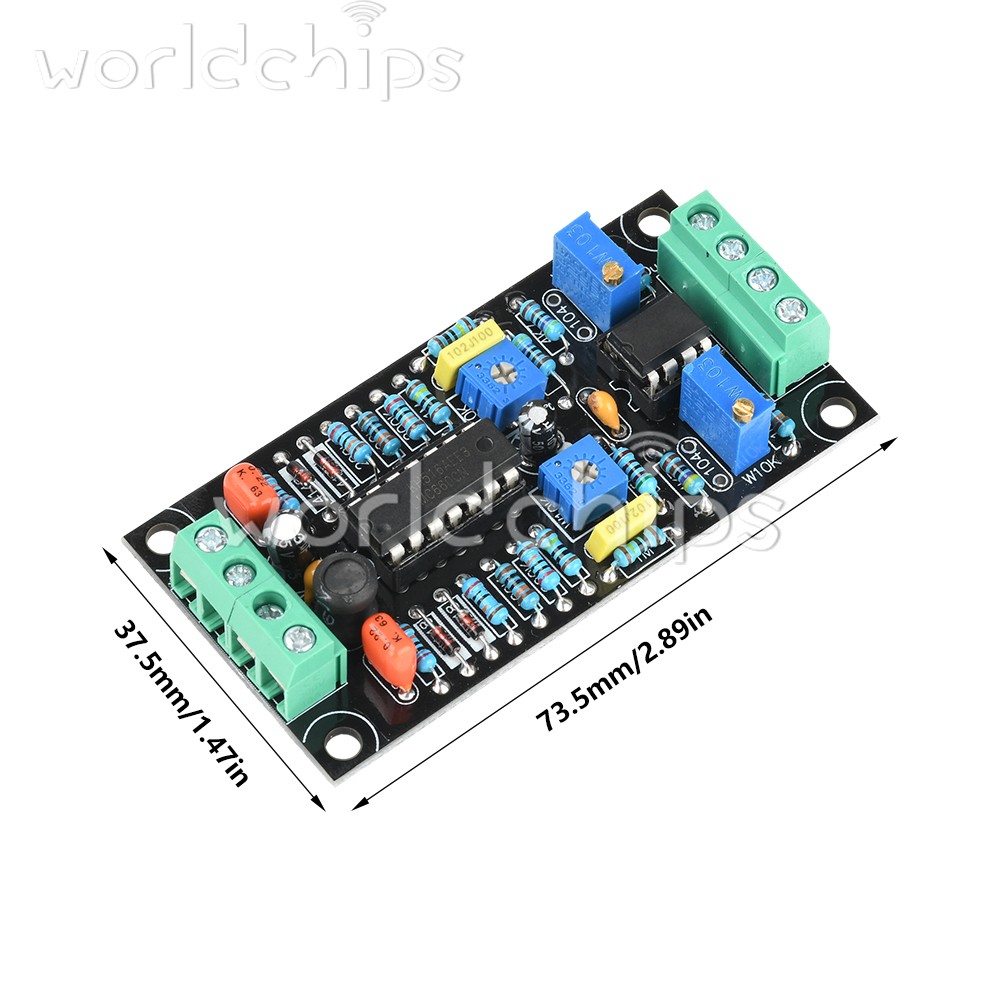
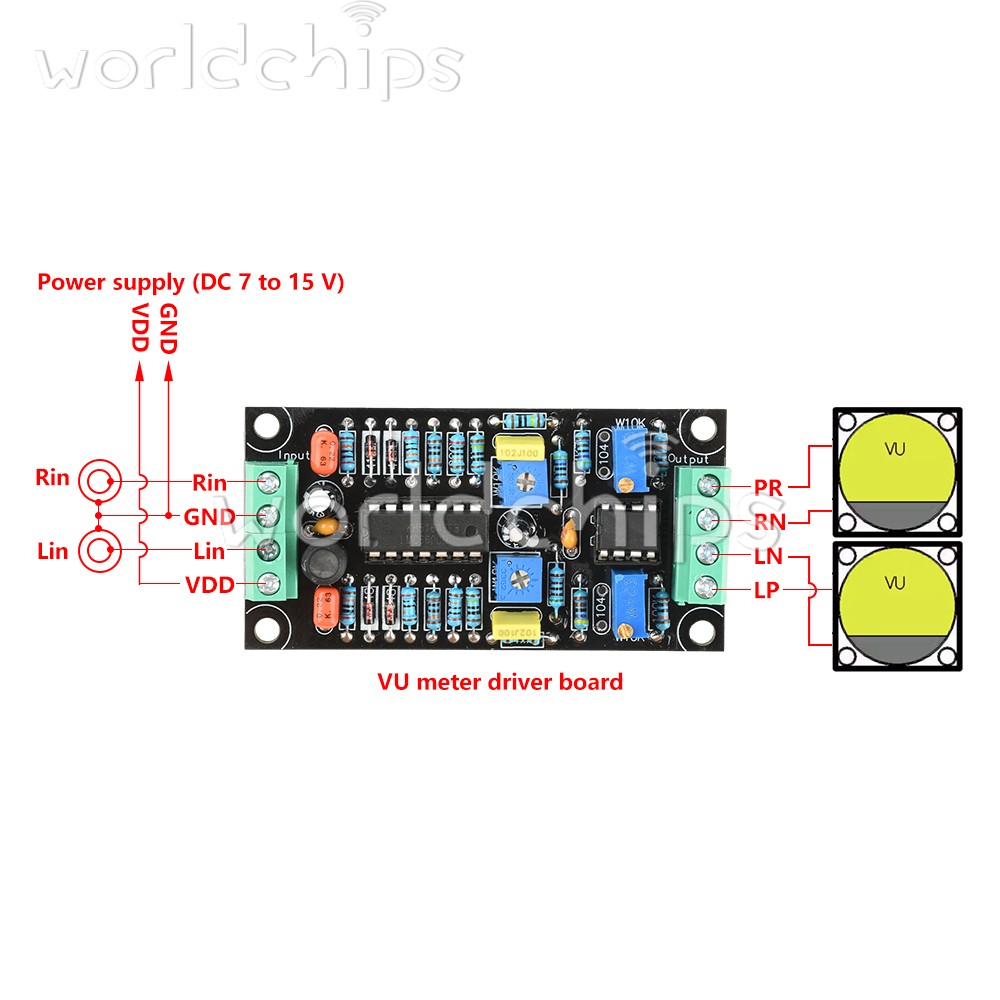
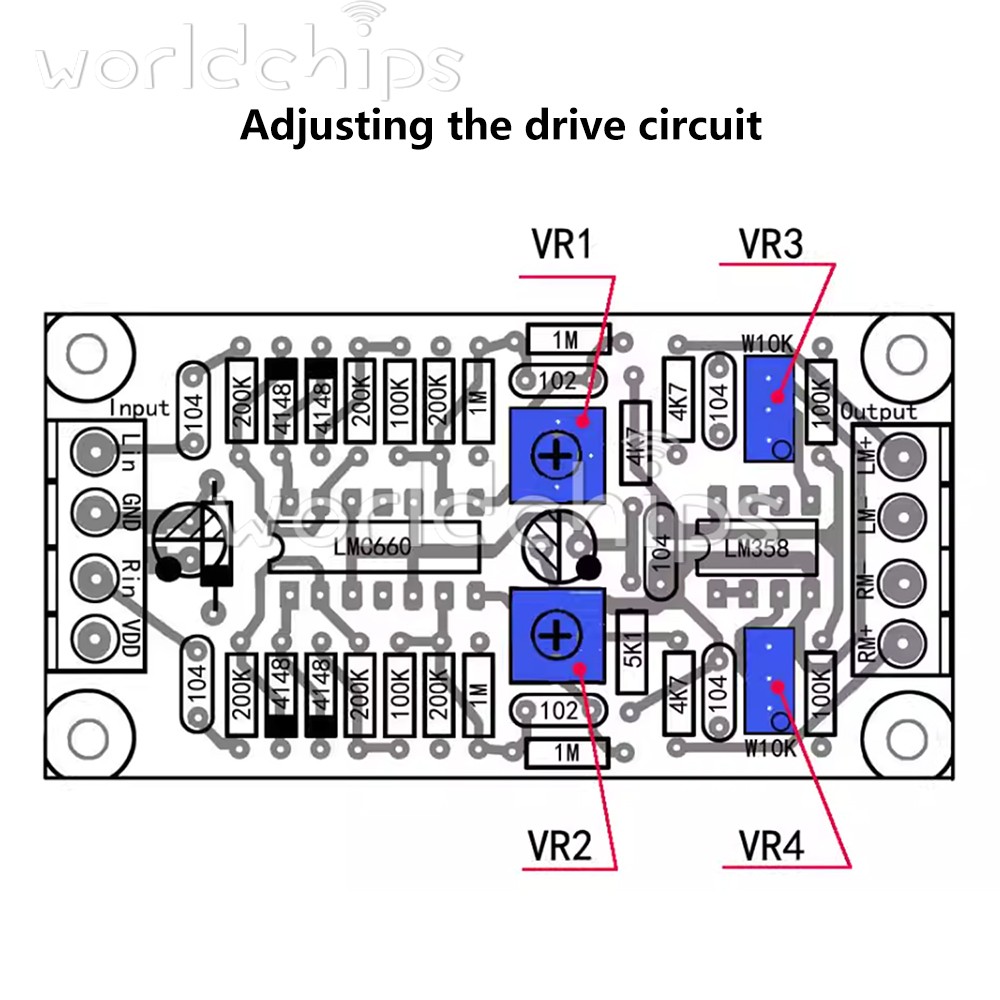
Description
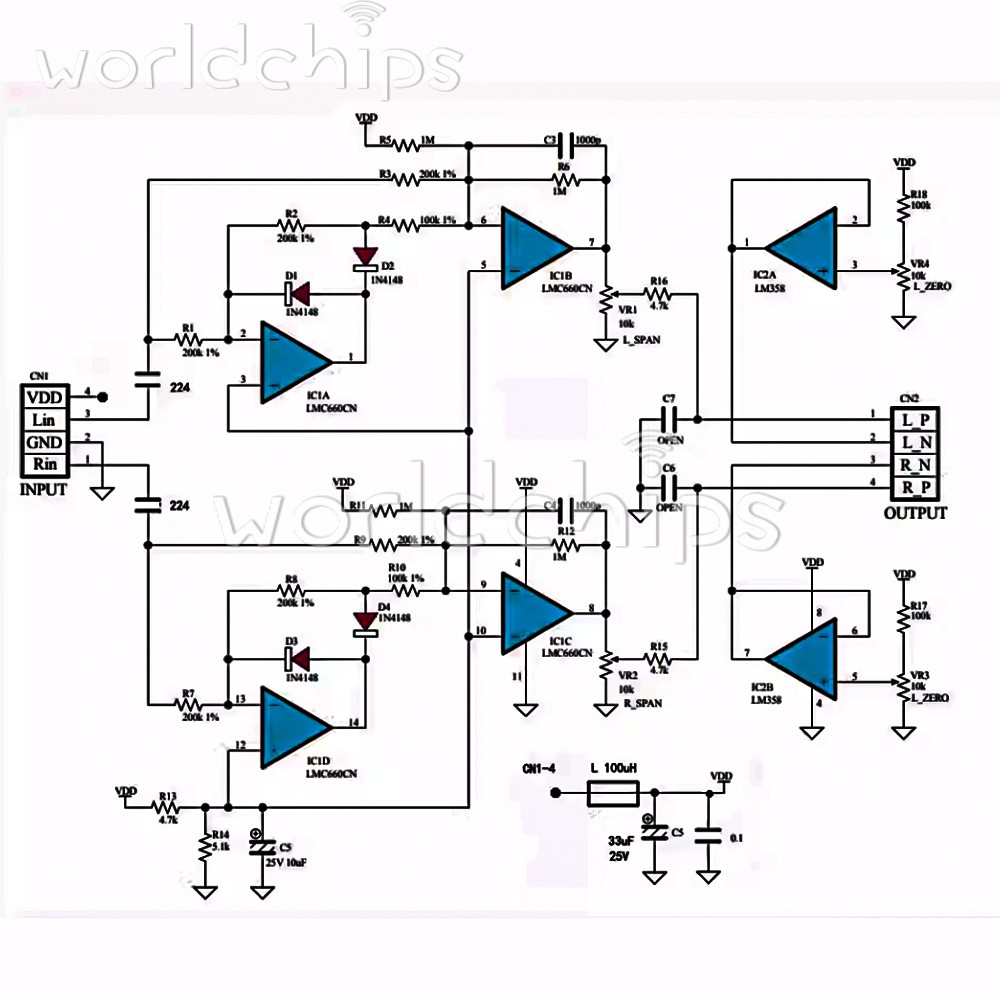
DC 7-15V Single power VU Meter Level Meter Driver Board Level indicator LMC660. This can be adjusted using a flathead screwdriver. causing the zero point to be unadjustable. In such cases, wipe the plastic parts with a cloth dampened in diluted soapy water to eliminate static electricity. Home Arduino Module Sensor Chips About Us Product Features: 1. Utilises LMC660 and LM358 chips for stable and reliable performance. 2. Low-power design with current consumption less than 10mA. 3. Full-scale design of 500uA, compatible with most volume meters. 4. Dual-channel drive design requiring only one circuit board. 5. High precision and repeatability with simple operation. Product Introduction: This VU meter level meter driver board is designed and manufactured using LMC660 and LM358 chips, making it ideal for use as an audio accessory. The product employs professional circuit design and high-quality integrated circuit chips, offering excellent performance and outstanding repeatability, with stable and reliable performance and excellent practical results. It is recommended to use a single DC power supply of 7 to 15V, without the need for voltage regulation. The current consumption, including the volume meter, is less than 10mA. The volume meter is designed with a full-scale range of 500uA, but due to the LM358's high output current and wide operating range, it is compatible with most volume meters. Product Parameters: Single-power supply: DC 7-15V Dimensions: 73.5x37.5mm Mounting hole dimensions: 66x31mm Functional Description: 1. Operates on a single power supply (recommended 6-15V). 2. Reduces the number of adjustments, improves repeatability, and ensures easy operation for anyone. 3. When using a 1Vrms sine wave, the VU meter reading is 0dB. 4. Features reasonable accuracy and repeatability, and can drive volume meters for both left and right channels with a single circuit board. Usage instructions: 【How to adjust the volume meter】 1. Adjust only the volume meter. Mechanical pointer zeroing Not only VU meters, but all pointer-type ammeters, voltmeters, and power meters have a screw for zeroing. This can be adjusted using a flathead screwdriver. When adjusting, do not connect the instrument to any equipment, place it horizontally, then rotate this screw to zero the instrument. When the environment is dry with low humidity, static electricity may build up between the meter pointer and the transparent plastic, causing the zero point to be unadjustable. In such cases, wipe the plastic parts with a cloth dampened in diluted soapy water to eliminate static electricity. [Zero Point Adjustment] 1. Connect the VU meter to the corresponding terminals on the circuit board and provide the VU meter drive circuit with an appropriate DC power supply, with an output voltage between 7V and 12V. 2. Connect the inputs of the preamplifier, computer, etc. Perform this operation in a state where no audio signal is output or in mute mode. 3. If the VU meter pointer swings in the positive direction at this point, adjust VR3 (VR4) to move the pointer to the zero position. 【Sensitivity Adjustment】 1. Connect to a computer, laptop, tablet, or smartphone for adjustment. You can select relevant signal generator software, launch it, and output a ‘sine wave,’ ‘1kHz,’ “0dB” waveform. When adjusting on a Windows PC, using the test signal generation software ‘WaveGene’ is very convenient. At this point, adjust VR1 (VR2) to calibrate the VU meter deviation to ‘OVU.’ *This circuit does not strictly adhere to the ‘ANSI C16.5-1942’ or ‘BS6840’ standards, so there is no need to strictly follow these steps. You can adjust based on the music you are listening to. It is recommended to set WaveGene to “0dB” with the meter needle at the ‘+3’ position. 2. Adjust using a CD player, cassette deck, digital player, etc. If you have an audio test CD, use ‘sine wave,’ ‘1kHz,’ and ‘0dB’ for adjustment, following the same method as with a computer. Cassette decks should use specially recorded audio test tapes, while digital players can play corresponding test audio files, such as MP3 or WAV, ensuring they are fixed audio signals. Input these signals into the left and right channels separately, and adjust the potentiometers VR1 and VR2 to ensure the left and right meters indicate consistently. 3. Adjust using a signal generator. Select sine wave output, frequency 1kHz, output voltage 1V, connect to the input terminal of the driver board, and adjust potentiometers VR1 and VR2 until the pointer reaches the +3 position. Product list: 1x driver module Payment Shipping Refund Payment Customer satisfaction is our top goal. We believe our items are so outstanding. All products are quality checked. They are new and in good condition when shipped to our customers. We are convinced you will be happy with your Purchase. If product is defective or damage upon arrival, or wrong product shipped, please contact us immediately. Returns accepted within 30 days of delivery date and item must be in original new condition. Please contact us first if you have any problems/questions/concerns. We will be happy to resolve any issues you may have in a cordial and friendly manner. Shipping Please fill in the correct address and zip code and I will ship quickly! Refund If the item is defect when you receive it or you are not satisfied with it, please return it within 30 days for a replacement or money back. But the items must be back in factory condition. Please contact us and double check the return address before you return it.