Wireless Bluetooth Thermal Label Printer for 4x6 Shipping Labels
$ 73.92
Description
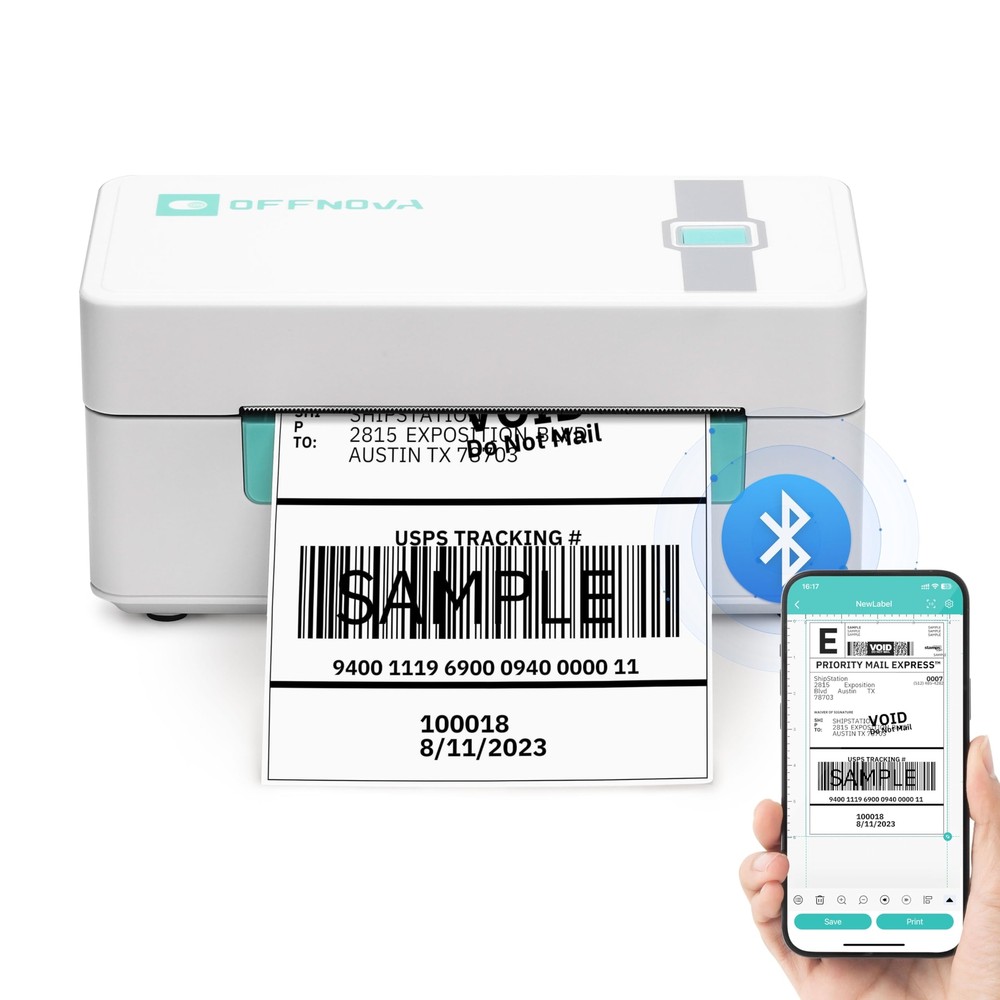
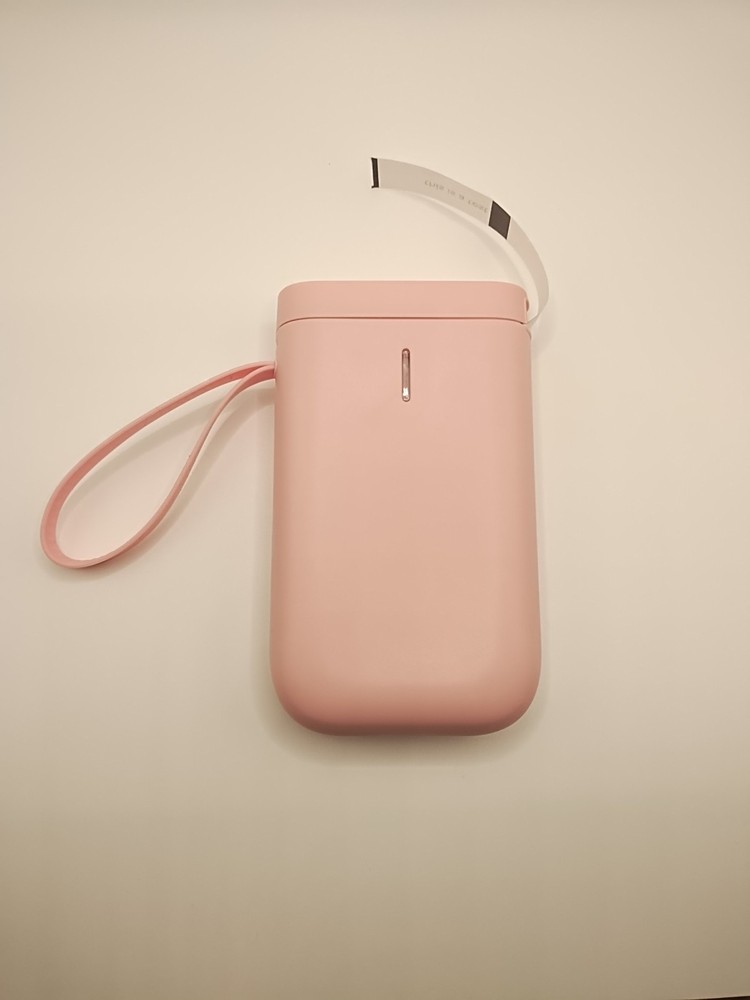
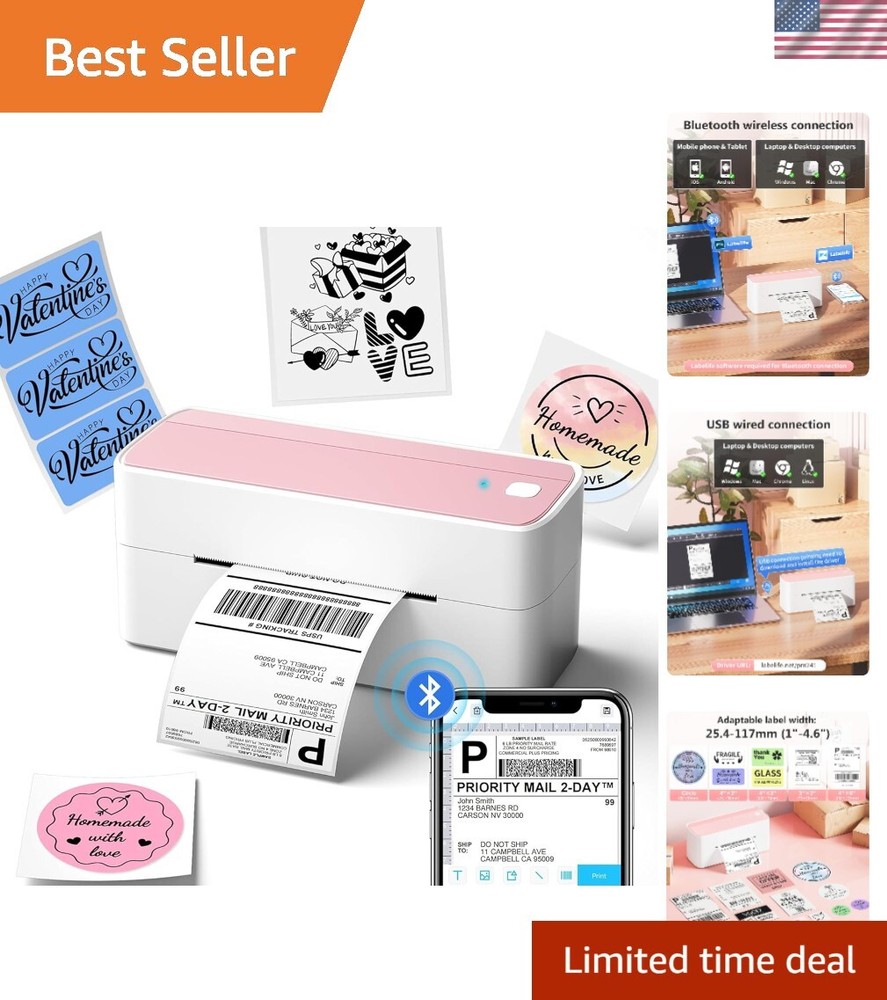
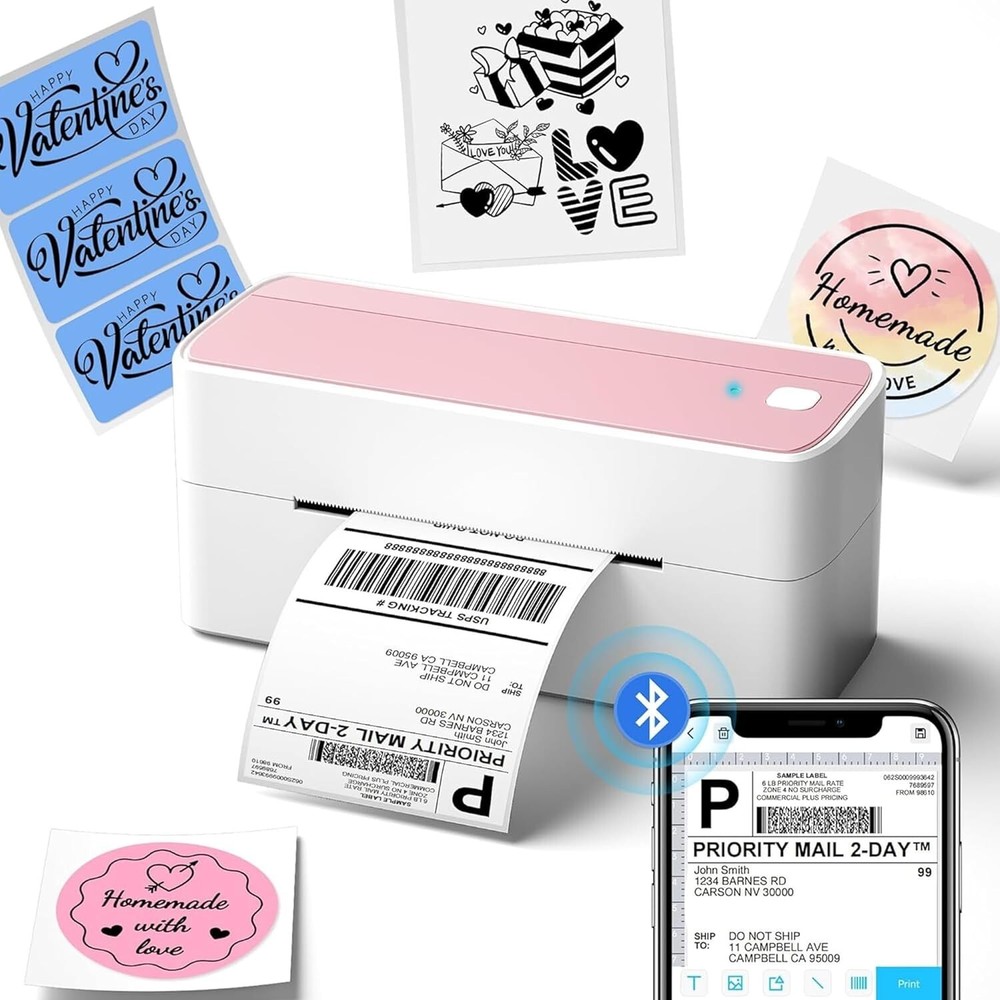
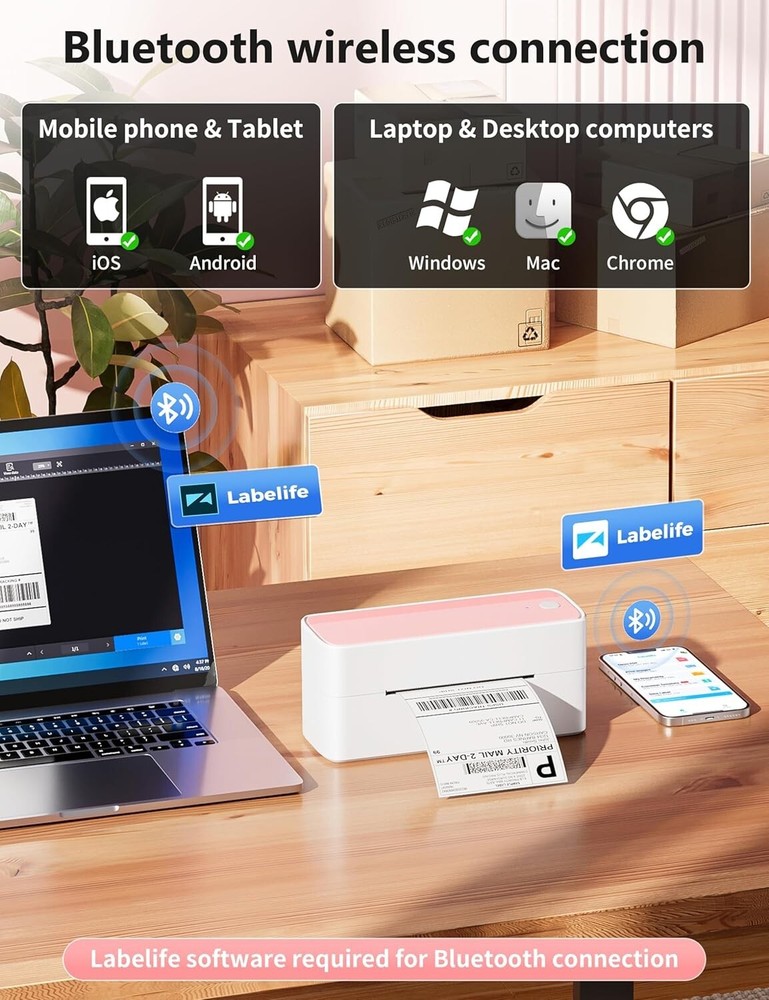
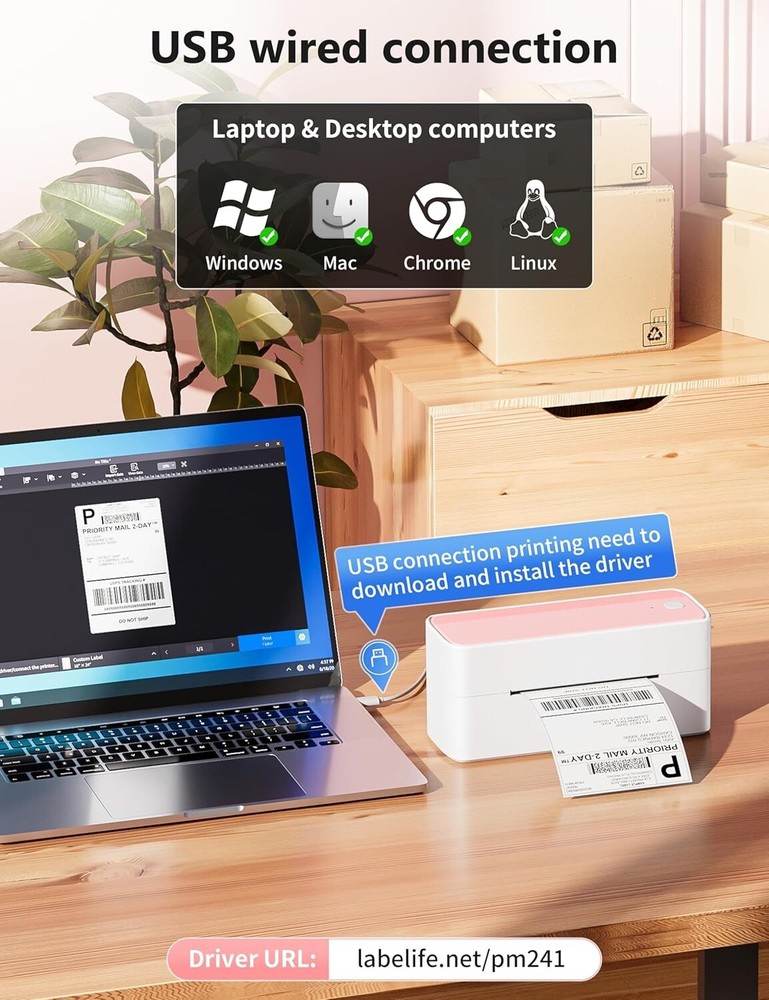
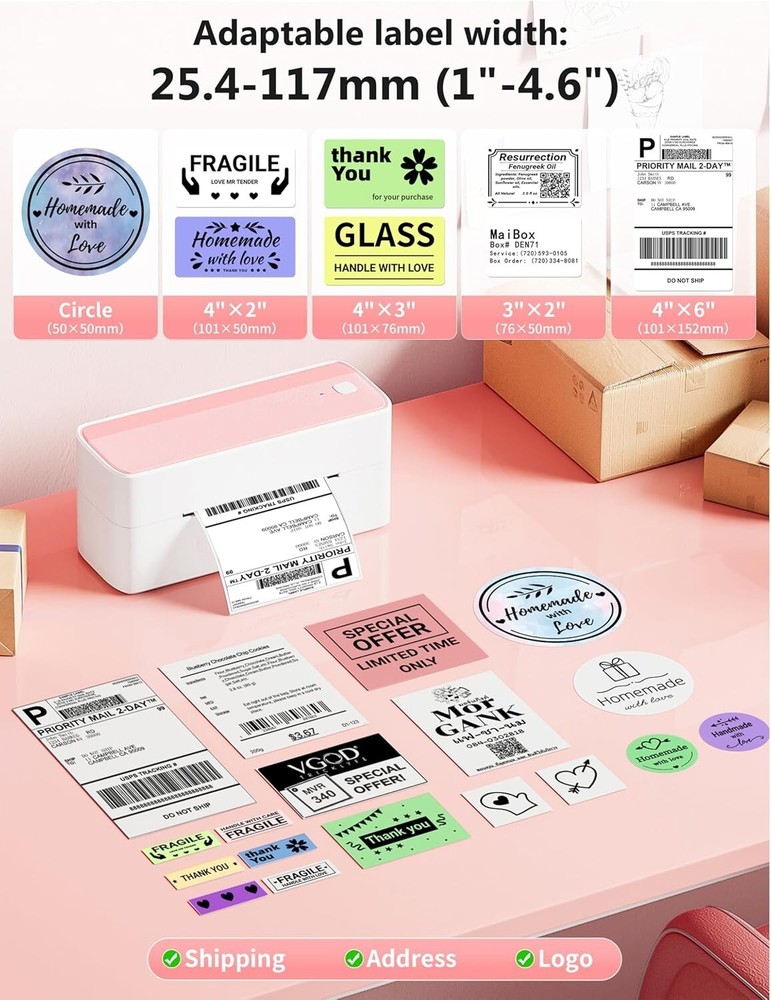
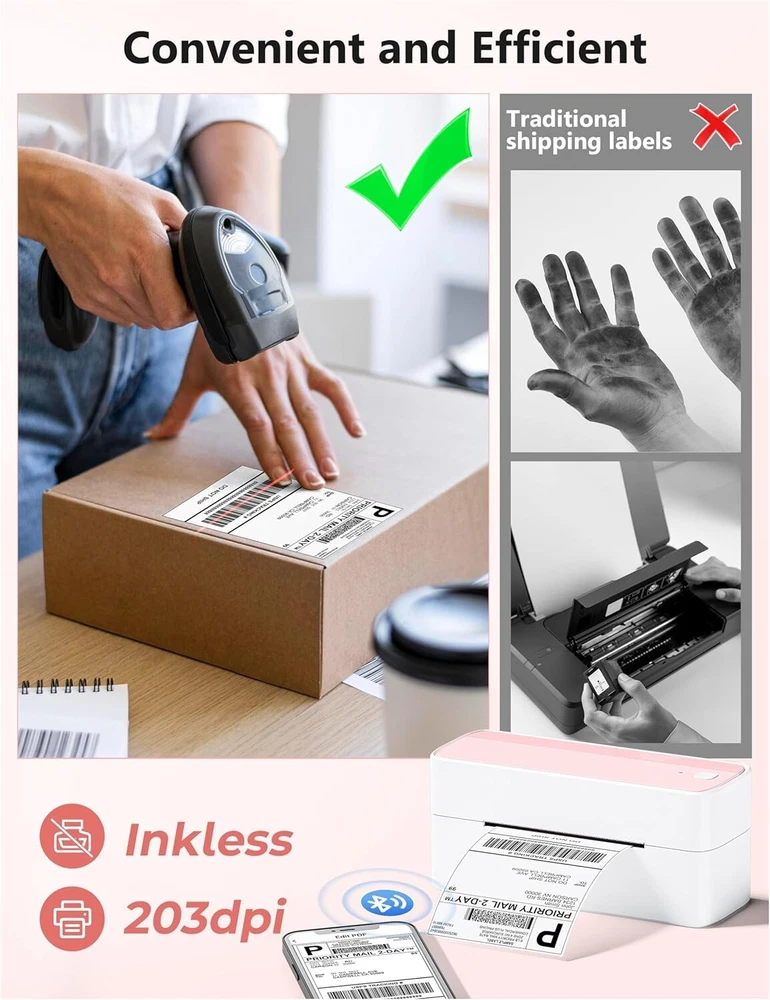
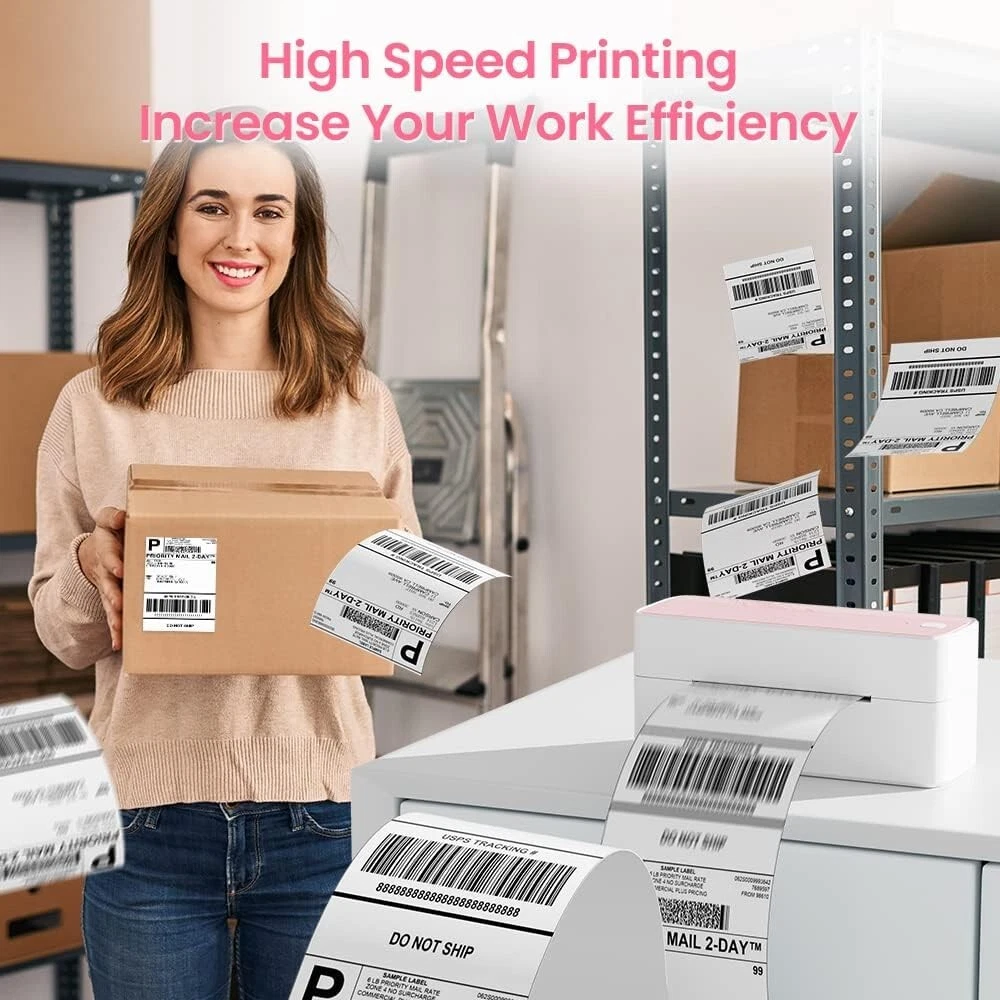
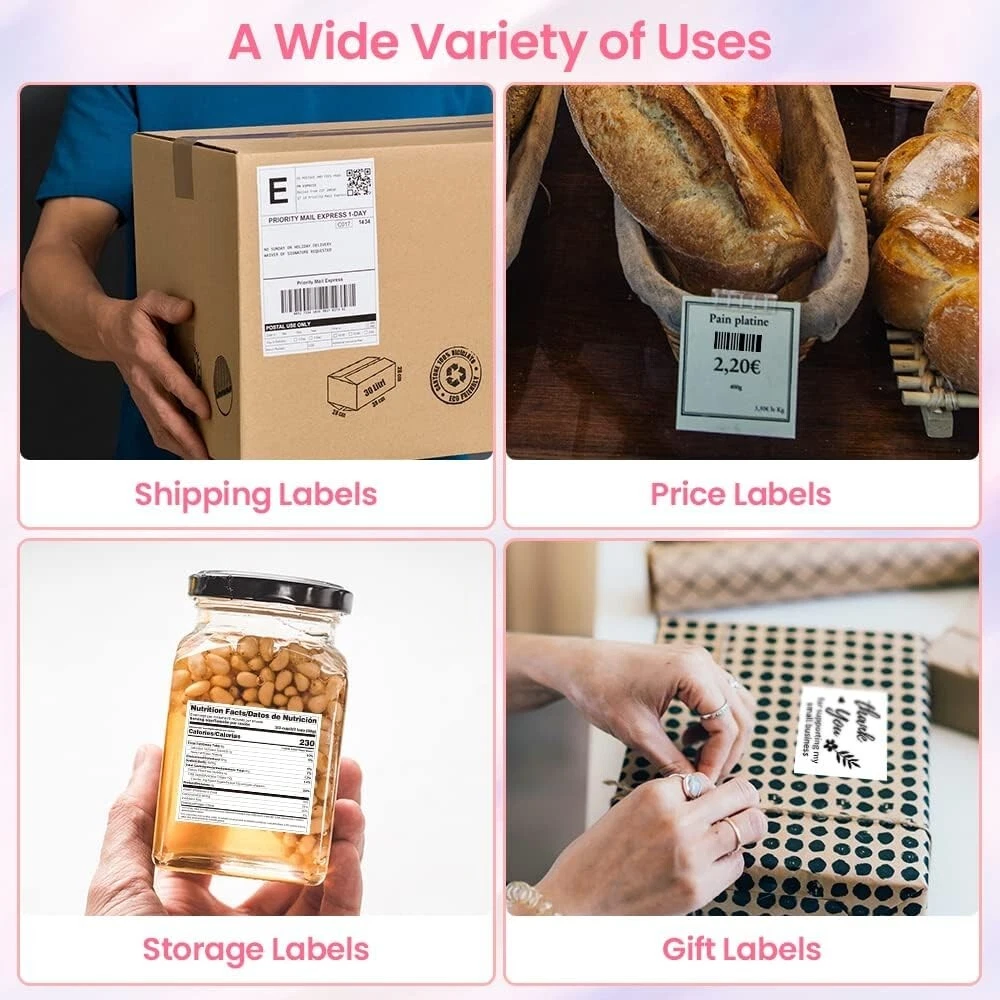
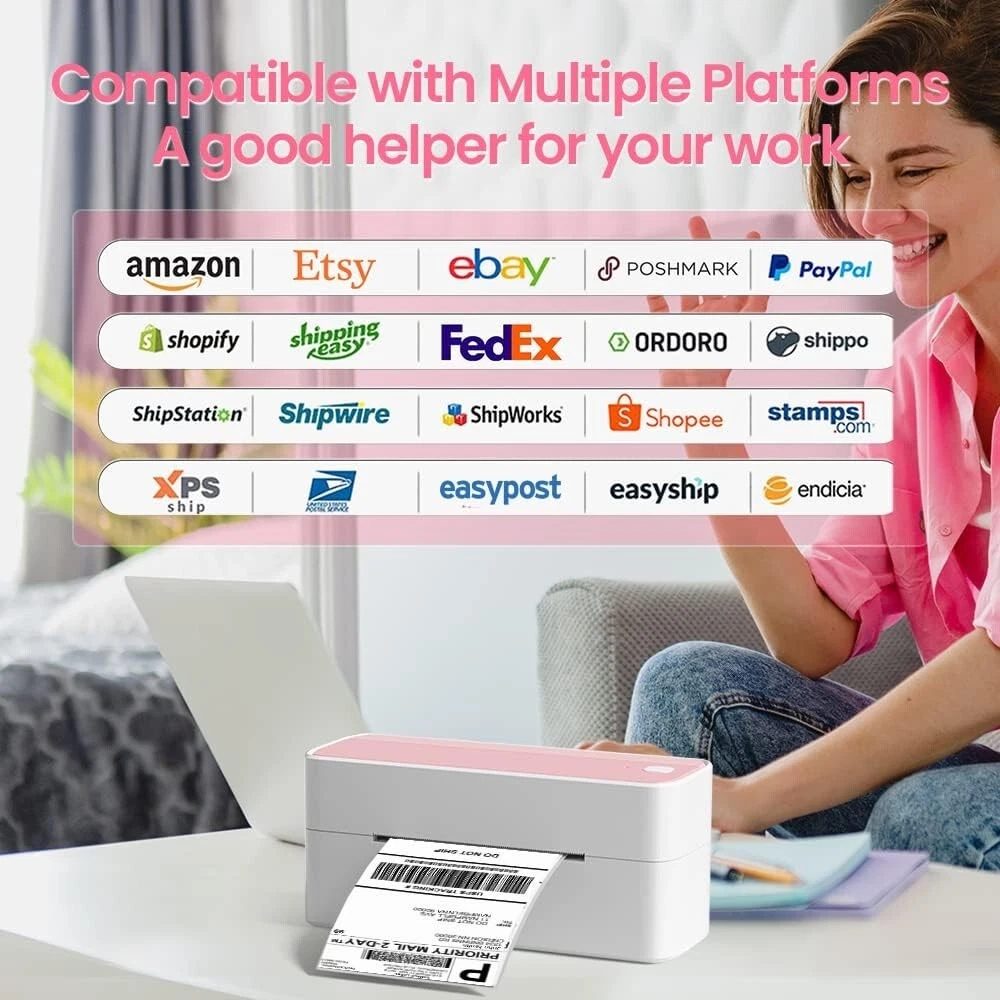
Bluetooth Thermal Label Printer, BT 4X6 Wireless Shipping Labels Printer for Small Business, Pink Label Printers for Shipping Package, Compatible with i, Android, , Shopify, USPS [Print Via Bluetooth] - bluetooth shipping label printer supports wireless printing through bluetooth connection. For IOS and Android mobile , need to download the "labelife " APP from Apple Store or Google Play. With easy and simple operations, you can easily print your logo, labels, and more, making your life more convenient! Note: All devices cannot be directly connected to Bluetooth and need to be used through the app [Print via USB Cable] - For PC, Windows, Mac OS, Chrome OS, and Linux systems. For Chrome OS, need to enter “Labelife” in the Chrome web store and add the extension to your Google Chrome. (PC printing needs to download the driver: Note: PC only works with USB connection, you can not print via Bluetooth [Multi-Platform Compatibility] - This shipping label printer supports label widths from 1 to inches, making it ideal for printing labels from major platforms like , Shopify, , Etsy, UPS, USPS, FedEx, and more. Easily print text, barcodes, QR codes, forms, and use pre-made templates for home or business. Note: The printer supports black-and-white printing only. For color labels, purchase compatible thermal color label paper separately. [Money and Time Saver] - label printer utilizes advanced thermal direct technology for printing, eliminating the need for expensive toner or ink. With a printing speed of 150 mm/s, the printer can produce up to 72 sheets of 4x6 labels per minute. Additionally, the 203 DPI resolution ensures that the printing is clear and precise. With this printer, you can save precious time and money, making it an ideal choice for your labeling needs [Professional Team] - support team provides technical support, including live chat, calls, s even remote desktop operation. If you have any questions or concerns about our Bluetooth shipping label printer, please don't hesitate to let me konw. Call: (9:00-17:00 Mon-Fri EST) / Live Chat: (19:30-4:30 Mon-Fri EST) and Tablet Start Print - Step 1: Download the App 'Labelife'. Step 2: Turn on the printer and your 's or tablet's Bluetooth. Step 3: Click the 'Printer' icon in the App to search for the label printer, connect it via Bluetooth in the App, and select the paper size and file type to start printing Laptop/PC Starts Printing - Step 1: Please check your laptop/PC's operating system (OS) and download and install the correct M832 driver from the website ( Step 2: Use the USB data cable to connect the printer to your computer. Step 3: Select and open your document, and choose from the printer list.